How to Create an XML Sitemap: Format, Limits and Submission
How to create an XML sitemap step by step: the format, the 50,000 URL limit, which tags Google ignores, and how to submit it, with a free generator.
By TheTextKit TeamPublished
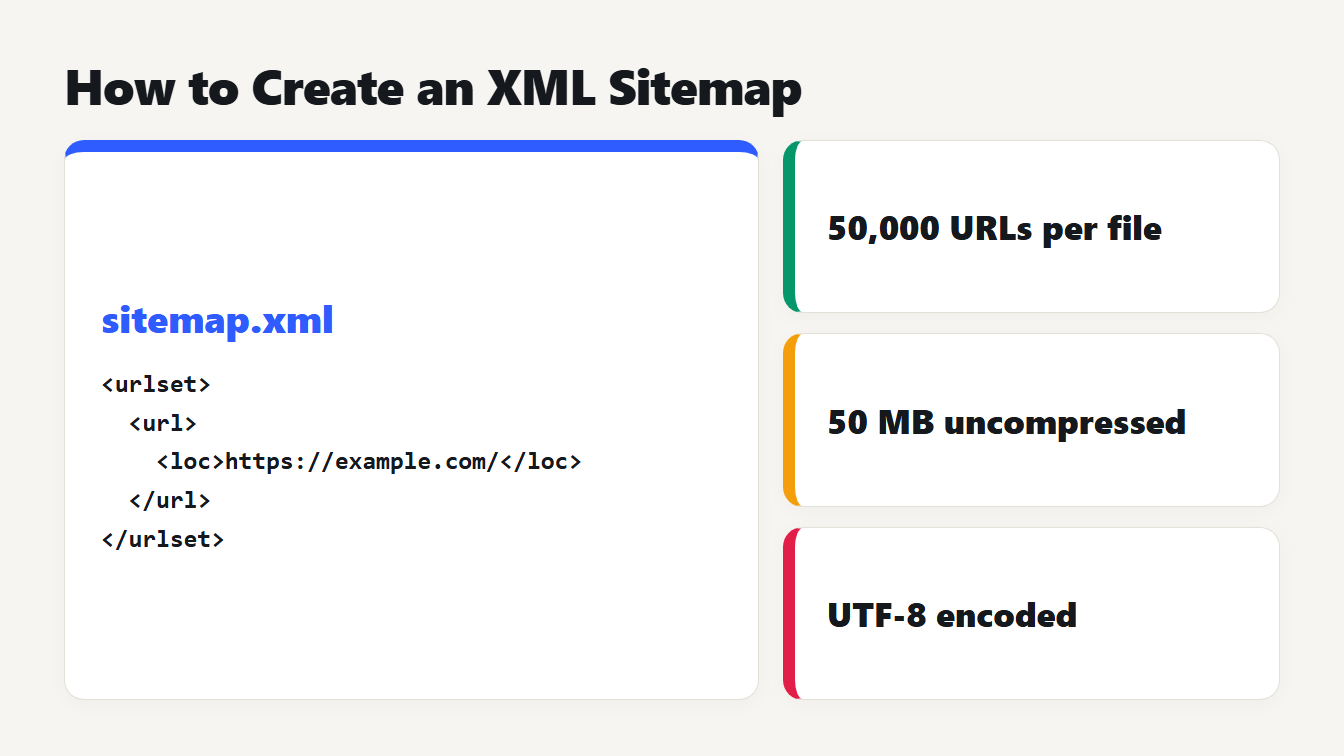
A card shows a small sitemap.xml with a urlset, one url and one loc. Beside it three cards list the limits: 50,000 URLs per file, 50 MB uncompressed, and UTF-8 encoding.
Here is how to create an XML sitemap. List the canonical URLs you want in search results. Put each one in a <url> entry with a <loc> tag inside a <urlset>. Save the file as sitemap.xml in UTF-8, upload it to your site root and submit it. The only tag each URL needs is <loc>. Google ignores <priority> and <changefreq>, and it uses <lastmod> only when the dates are accurate. This guide covers the format, the limits we measured, what to include and the ways to submit.
How to create an XML sitemap in four steps
- List your canonical URLs. Include the pages you want to appear in search. Leave out redirects, pages blocked from indexing and duplicates.
- Generate the XML. Paste the list into the XML Sitemap Generator, or write the file by hand with the format below.
- Upload it to your site root, so it lives at an address like
https://example.com/sitemap.xml. - Submit it. Add a
Sitemap:line to robots.txt and submit the file in Google Search Console.
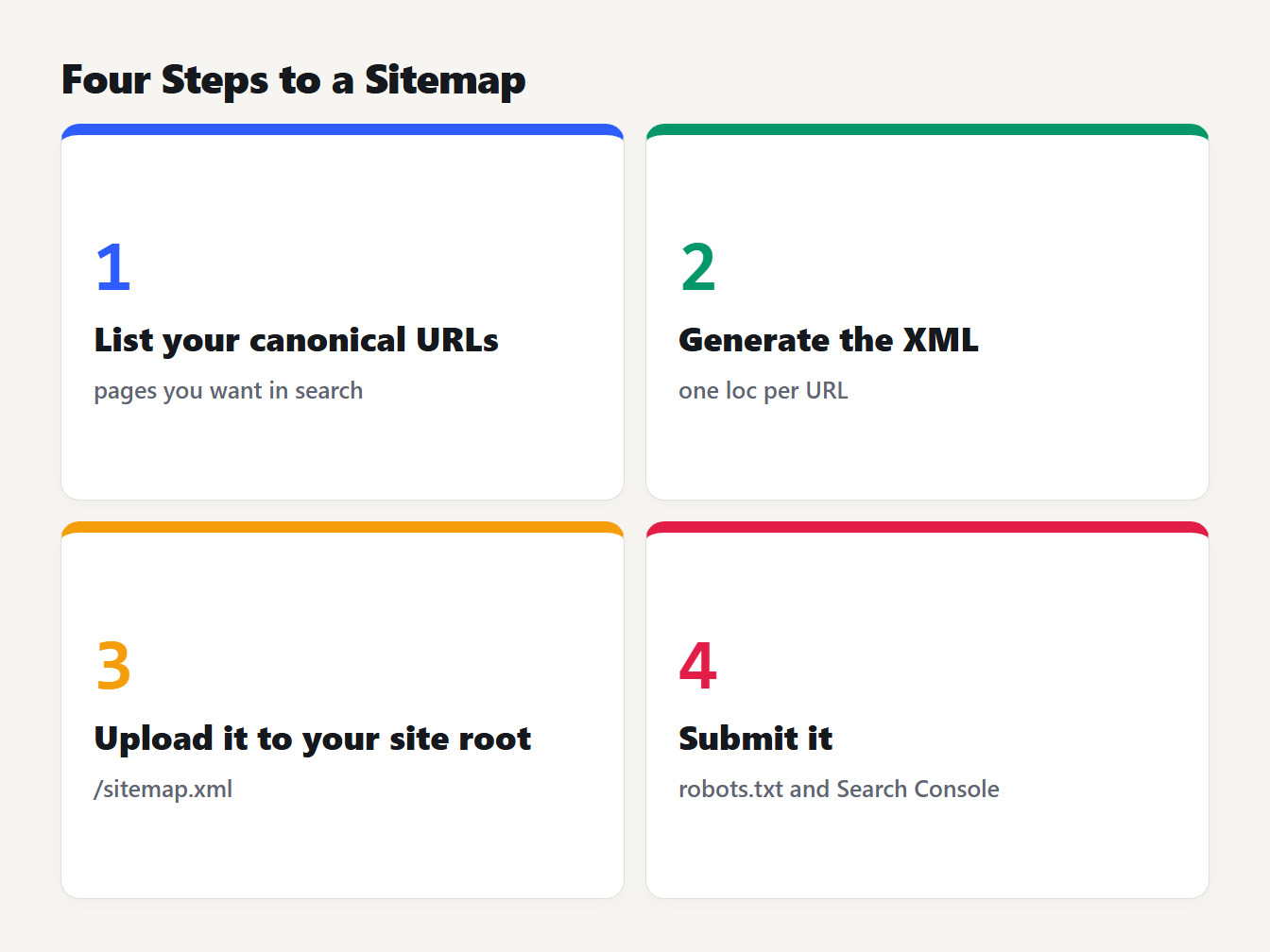
Four numbered cards: 1 list your canonical URLs, 2 generate the XML, 3 upload it to your site root, 4 submit it in robots.txt and Search Console.
How to create an XML sitemap by hand: the format
Here is a sitemap with two pages. The generator wrote this output from two lines of input:
<?xml version="1.0" encoding="UTF-8"?>
<urlset xmlns="http://www.sitemaps.org/schemas/sitemap/0.9">
  <url>
    <loc>https://example.com/</loc>
  </url>
  <url>
    <loc>https://example.com/about</loc>
  </url>
</urlset>
The sitemap protocol requires <urlset>, <url> and <loc>. The other tags are optional, and Google treats them differently:
| Tag | Required | What Google does with it |
|---|---|---|
<loc> | Yes | Reads it. Must be a full URL starting with the protocol |
<lastmod> | No | Uses it if it is consistently and verifiably accurate |
<changefreq> | No | Ignores it |
<priority> | No | Ignores it |
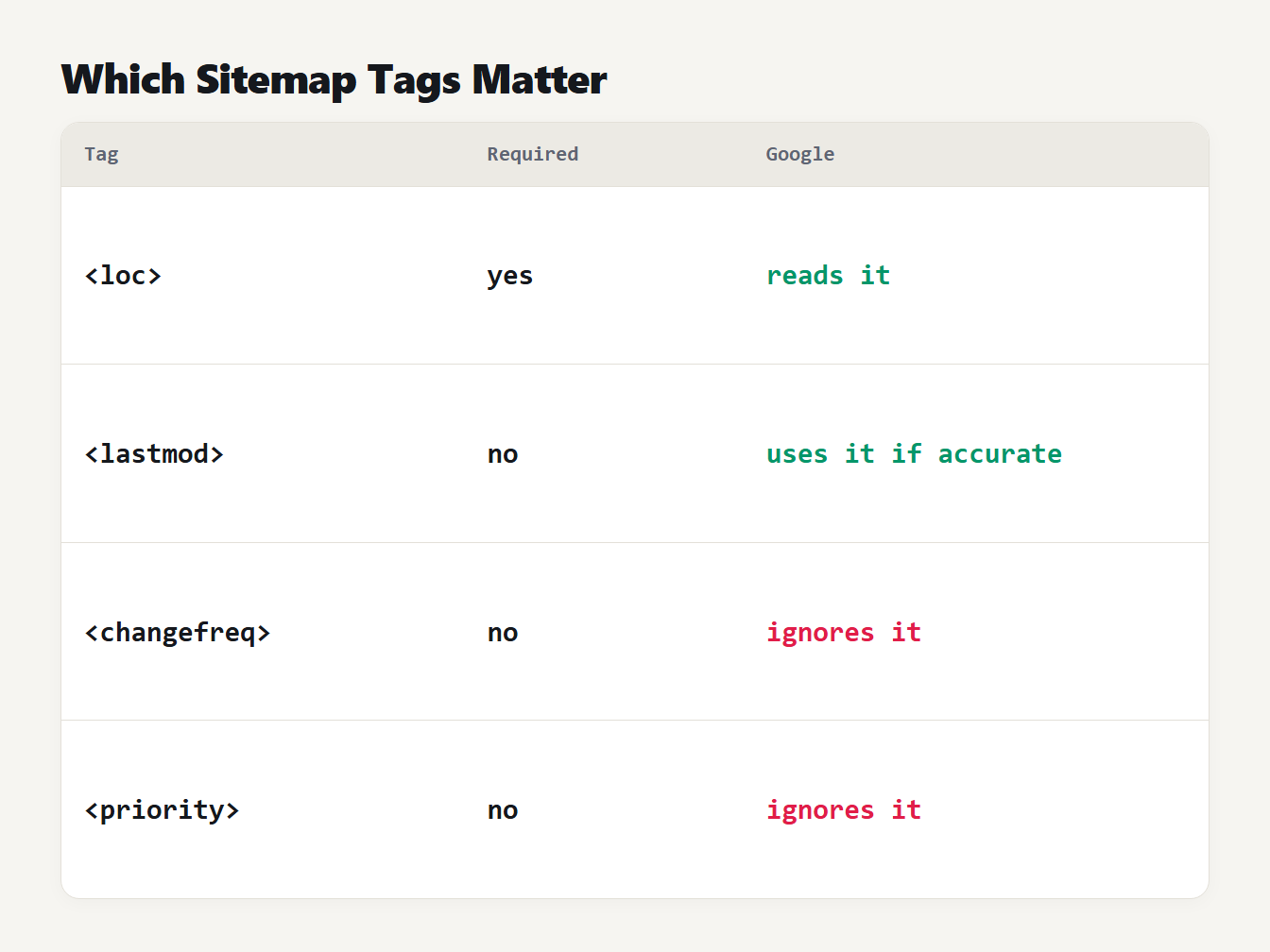
A table of four sitemap tags. loc is required and Google reads it. lastmod is optional and used if accurate. changefreq and priority are optional and Google ignores them.
Google's sitemap guide says the same thing: it ignores <priority> and <changefreq>, and <lastmod> should reflect the last significant update to the page. That's why our generator now leaves all three optional tags off by default. Older versions added a weekly change frequency and a priority of 0.8 to every page, and the same date to every <lastmod>. A date that is the same for every page can't be consistently accurate.
Special characters need care. The protocol says the ampersand, apostrophe, double quote, greater-than and less-than signs must be entity escaped in a URL, so ?a=1&b=2 becomes ?a=1&b=2. A generator that skips this can produce a broken file. We tested ours by building a sitemap from 3,000 awkward lines. It kept 2,328 unique URLs after removing repeats, and Python's XML parser read the whole file and returned every <loc> unchanged. Before the fix, a URL containing < produced malformed XML.
Sitemap limits: 50,000 URLs and 50 MB
One sitemap file can hold up to 50,000 URLs and be up to 50 MB uncompressed. Which one do you hit first? We built a file of 50,000 URLs, each with a page name of 45 characters, and measured it:
| Tags in each entry | File size | Share of the 50 MB limit | Gzipped |
|---|---|---|---|
<loc> only | 5.1 MB | 10.2% | 0.14 MB |
<loc> and <lastmod> | 6.7 MB | 13.4% | 0.14 MB |
| All four tags | 9.8 MB | 19.6% | 0.15 MB |
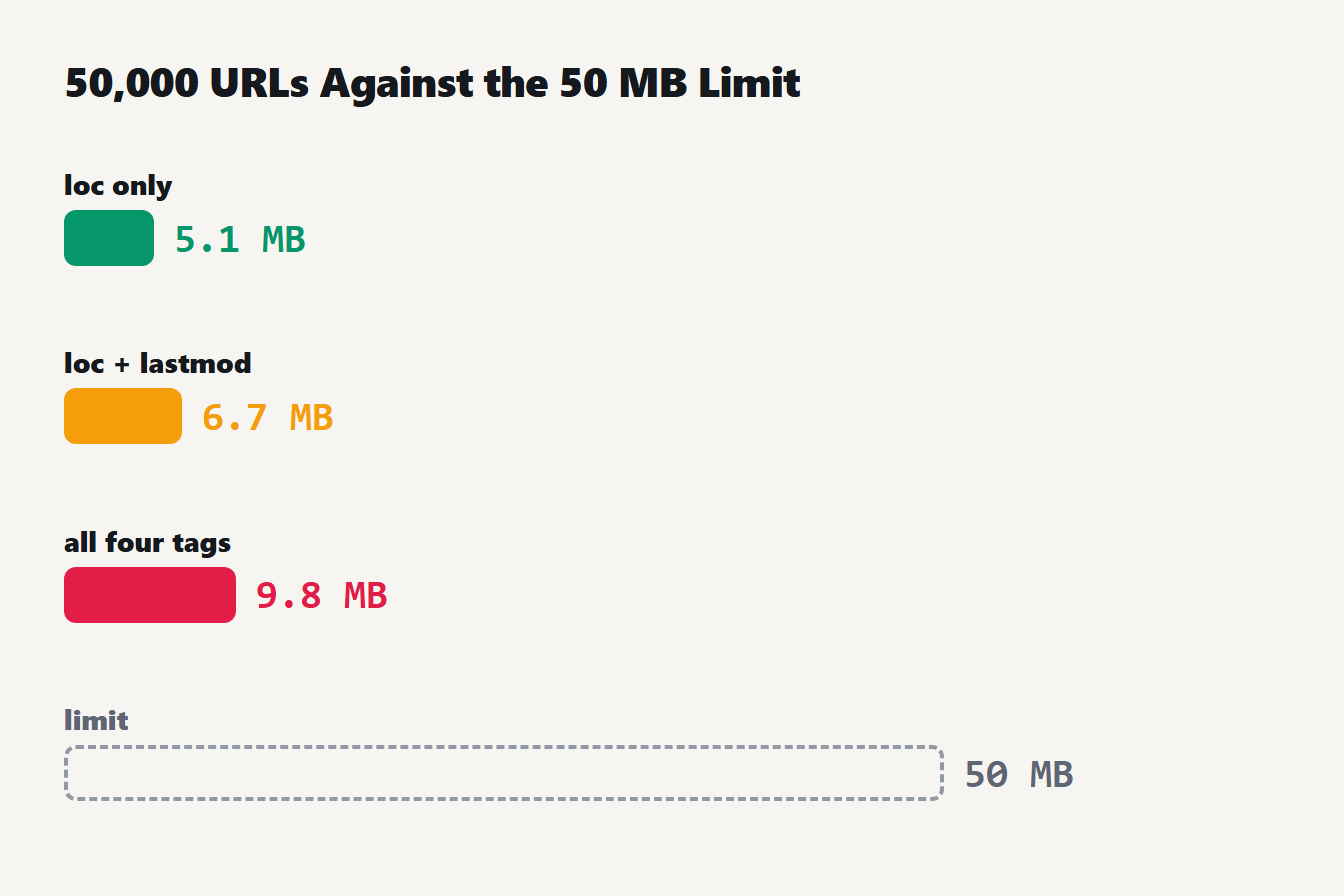
Three bars show the size of a sitemap with 50,000 URLs: 5.1 MB with only loc, 6.7 MB with lastmod added, 9.8 MB with all four tags. A line marks the 50 MB limit.
The URL count is the limit that matters. Each entry costs 33 bytes of tags with <loc> alone. The average URL would have to be about 1,000 characters long before 50,000 of them filled 50 MB. A <loc> value must be under 2,048 characters anyway. Gzip compression is allowed, but the protocol says the file must still be no larger than 50 MB once uncompressed.
Past 50,000 URLs, split the list across files and list them in a sitemap index. An index may hold up to 50,000 sitemaps, and Google says you can submit just the index file:
<?xml version="1.0" encoding="UTF-8"?>
<sitemapindex xmlns="http://www.sitemaps.org/schemas/sitemap/0.9">
  <sitemap>
    <loc>https://example.com/sitemap-posts.xml</loc>
    <lastmod>2026-10-09</lastmod>
  </sitemap>
  <sitemap>
    <loc>https://example.com/sitemap-pages.xml</loc>
  </sitemap>
</sitemapindex>
What to put in a sitemap, and what to leave out
Google says to include the URLs you want to see in its search results, which are your canonical URLs. That has practical consequences:
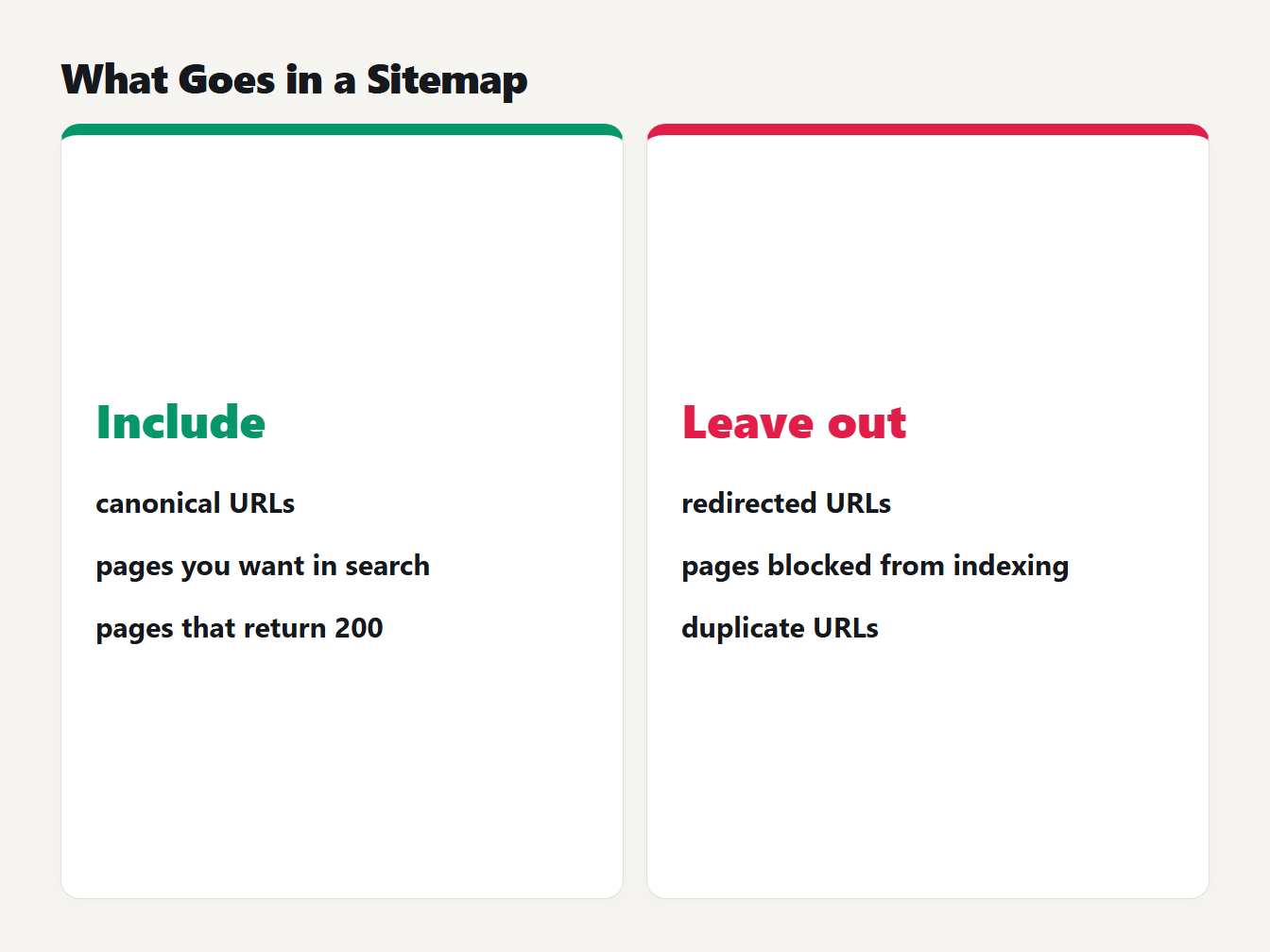
Two columns. Include: canonical URLs, pages you want in search, pages that return 200. Leave out: redirected URLs, pages blocked from indexing, duplicate URLs.
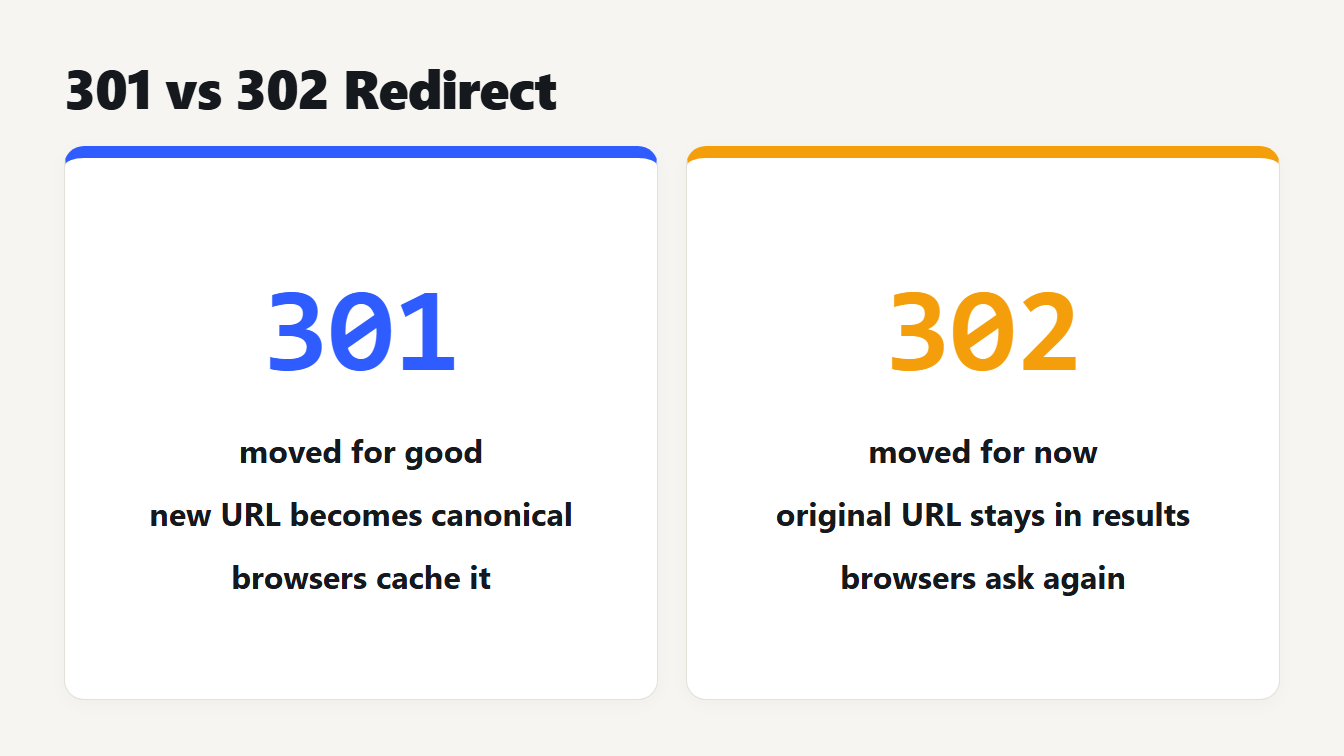
- Leave out redirected URLs. List the final address, not the old one. Our guide to the 301 vs 302 redirect explains which URL Google keeps.
- Leave out pages you don't want indexed. A page you've told Google not to index doesn't belong in a file that asks it to look.
- Keep one host and one protocol. The protocol says all URLs must use the same protocol and reside on the same host as the sitemap.
- Use full URLs. Google asks for fully qualified, absolute URLs.
- Be careful with the file's location. A sitemap affects only the directory it sits in and below, unless you submit it in Search Console, so the root is the safest place.
Do you need an XML sitemap?
Not every site does. Google says a site of about 500 pages or fewer that is well linked internally may not need one, and that a sitemap doesn't guarantee crawling or indexing. It says a new site with few external links, or a large site, benefits. Our own site is new, so we publish one. The live file lists 89 URLs, and the <lastmod> dates come from the history of each page, not from one shared date, so the file holds six different dates. It still carries <changefreq> and <priority> on every URL. That's harmless, because Google ignores them, but you don't need to copy it.
How to submit your sitemap
You have two main ways, and you can use both:
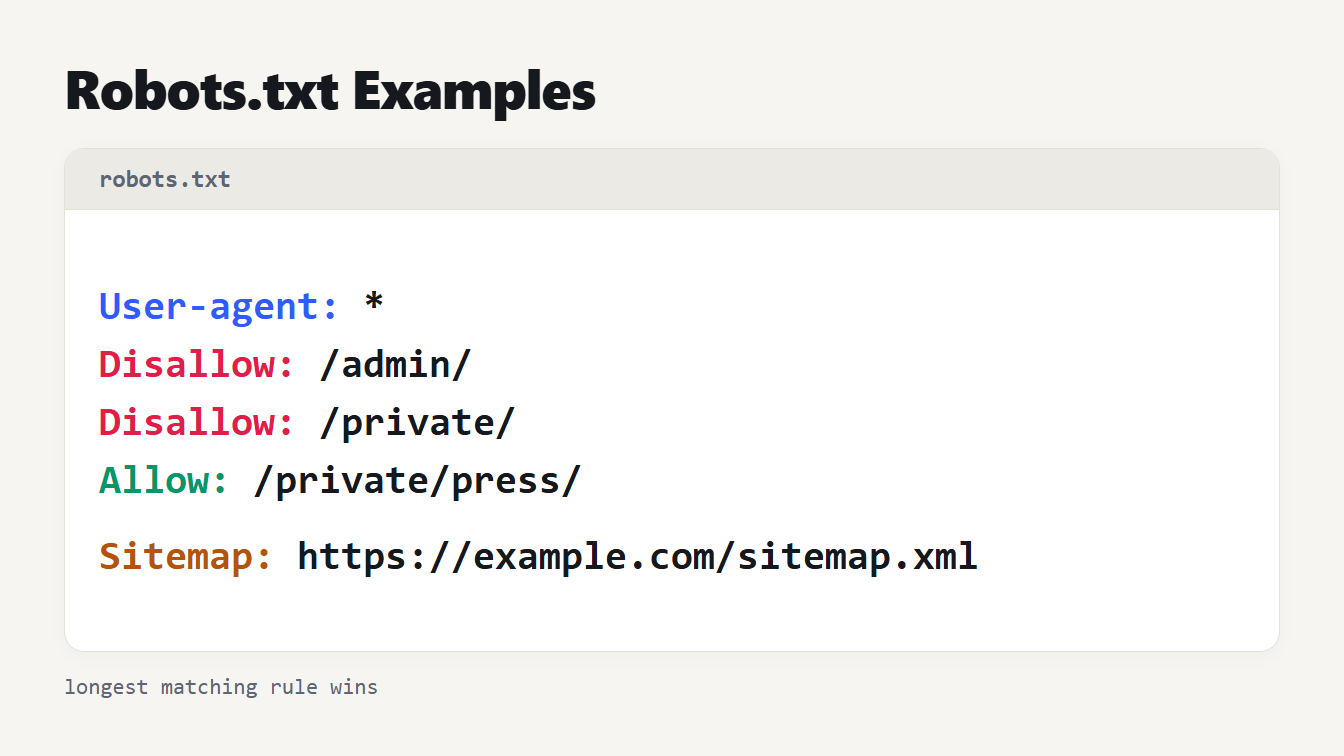
- robots.txt. Add a line such as
Sitemap: https://example.com/sitemap.xmlanywhere in the file. Google finds it the next time it reads robots.txt, and you can list as many sitemaps as you like. Our Robots.txt Generator writes the line, and the Robots.txt Tester checks the file. Our guide to testing robots.txt shows how. - Search Console. Submit the address in the Sitemaps report. Google says it then shows you when Googlebot read the file and any processing errors. Bing Webmaster Tools has a Sitemaps page too.
Google also announced in June 2023 that its sitemaps ping endpoint was going away, so use those two routes instead of a ping URL. See its post on the ping endpoint and lastmod for details. Google's sitemap overview explains when a sitemap helps.
Check your sitemap before you submit it
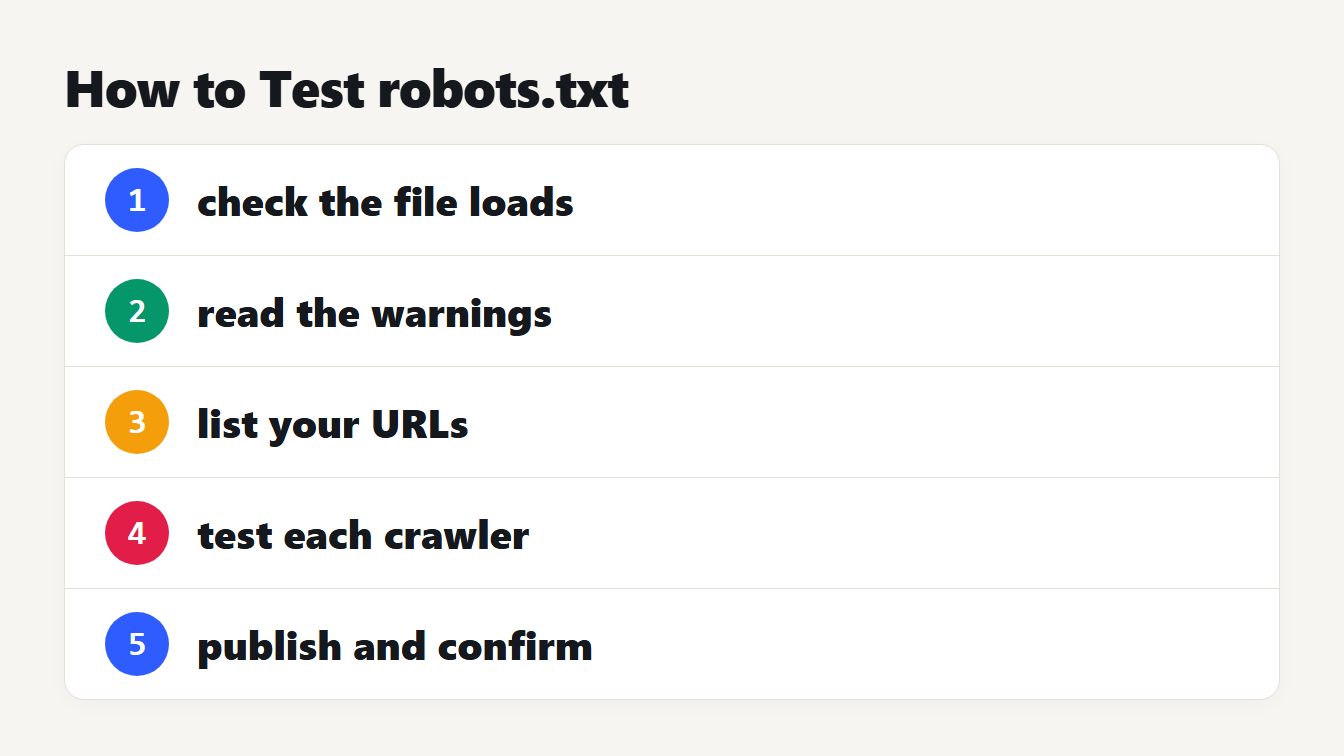
A few minutes of checking saves a week of waiting for an error report. Work through these:
- Open it in a browser. The address should load and show the XML. A browser will usually point at the line of any XML error.
- Look at the status. Run
curl -I https://example.com/sitemap.xmland read the first line. You want a 200, not a redirect. - Spot-check a few URLs. Each one should load a real page without redirecting. A sitemap full of redirects tells Google to look at addresses you no longer use.
- Read the flagged lines. The generator lists any line it left out and says why. Fix the source list if you see lines you meant to keep.
- Count the entries. The badge above the output shows the total. If it is higher than 50,000, split the file.
After you submit, give Google a few days and then open the Sitemaps report in Search Console. It is the place to see whether the file was read and whether it found problems.
Sitemap mistakes to avoid
- Unescaped ampersands. Write
&in the file. - Relative URLs. Use
https://example.com/page, not/page. - The same
<lastmod>on every page. Leave it out unless each date is correct. - Listing redirects, duplicates and blocked pages. List only the pages you want found.
- Going over 50,000 URLs in one file. Split the file and add an index.
- Forgetting the file. Regenerate it when pages are added or removed.
Frequently asked questions
How do I create an XML sitemap?
List the canonical URLs you want in search, wrap each one in a url and loc tag inside a urlset, and save the file as sitemap.xml in UTF-8. Upload it to your site root, add a Sitemap line to robots.txt and submit it in Google Search Console. A generator does the XML for you.
Where should I put sitemap.xml?
In the root of your site, such as https://example.com/sitemap.xml. A sitemap can only list URLs at or below its own location, so a file at the root can cover the whole site. All URLs in it must use the same protocol and host as the sitemap.
Does Google use priority and changefreq?
No. Google says it ignores the priority and changefreq values. It uses lastmod only if the dates are consistently and verifiably accurate, so leave lastmod out unless each page has its own correct date.
How many URLs can one sitemap hold?
Up to 50,000 URLs or 50 MB uncompressed, whichever you reach first. With typical URLs the 50,000 limit comes first: in our test, 50,000 URLs took about 5 MB with only loc tags. For more, split the list and submit a sitemap index file.
Do I need a sitemap for a small website?
Often not. Google says a site of about 500 pages or fewer that is well linked internally may not need one. A new site with few external links does benefit, and in most cases a sitemap helps. It doesn't guarantee that a page is crawled or indexed.
Build your sitemap now
Paste your list into the XML Sitemap Generator, check the lines it flags, and download the file. Then upload it, add the robots.txt line and submit it. Now that you know how to create an XML sitemap, check the Sitemaps report in Search Console a few days later to see that Google read it.