Robots.txt Examples: Syntax, Rules and Mistakes to Avoid
Copy-ready robots.txt examples for allowing, blocking and wildcard rules, plus how the longest rule wins, what robots.txt cannot do and the mistakes to avoid.
By TheTextKit TeamPublished
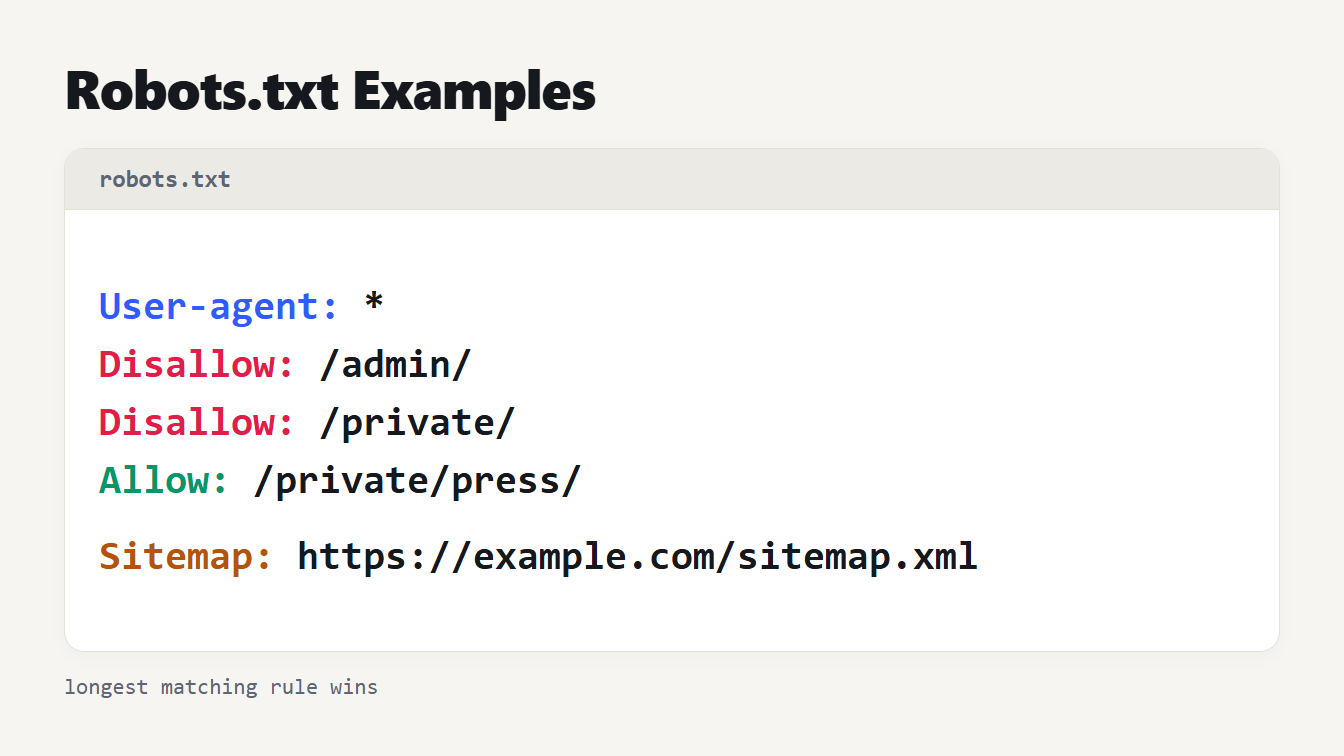
A file card listing User-agent, two Disallow lines, one Allow line and a Sitemap line, each color-coded by role.
A robots.txt file is a plain text file at the root of your site that tells crawlers which URLs they may request. You write it as groups: a User-agent line naming the crawler, then Allow and Disallow rules for paths. This guide gives robots.txt examples you can copy, explains which rule wins when two conflict, and covers the two things it cannot do: hide a page from search results and keep anyone out.
Robots.txt examples you can copy
Each example below is a complete file. Swap in your own paths and sitemap address.
Allow everything. An empty Disallow means nothing is blocked:
User-agent: *
Disallow:

Sitemap: https://example.com/sitemap.xml
Block everything, which suits a staging site and nothing else:
User-agent: *
Disallow: /
Block a folder but keep one part open. The longer rule wins, so the press pages stay crawlable:
User-agent: *
Disallow: /private/
Allow: /private/press/
Block a file type and a tracking parameter, using wildcards:
User-agent: *
Disallow: /*.pdf$
Disallow: /*sessionid=
Block one crawler and leave the rest alone:
User-agent: GPTBot
Disallow: /

User-agent: *
Disallow:
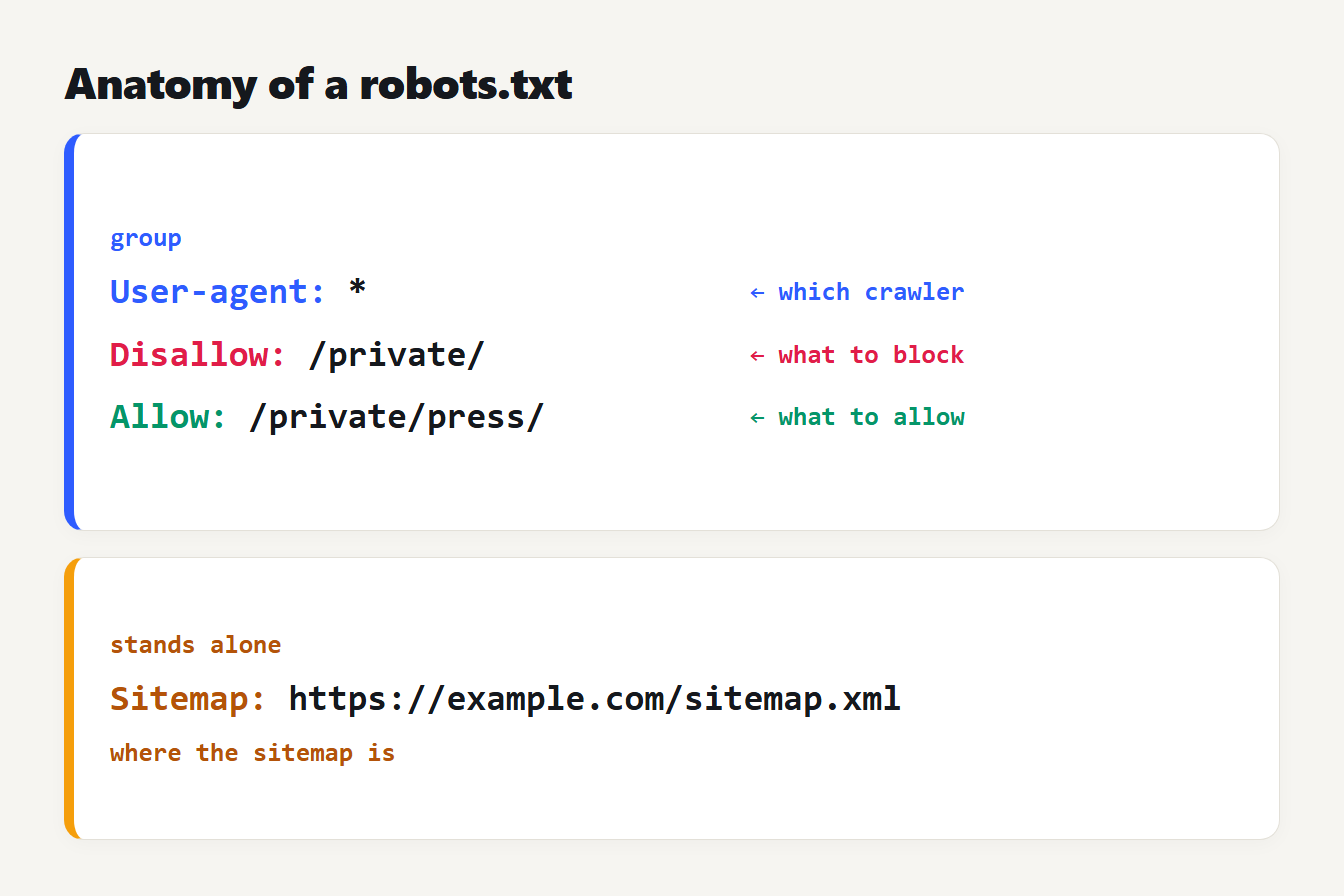
A robots.txt file split into a group, made of a User-agent line and its Allow and Disallow rules, and a separate Sitemap line, each labeled.
How robots.txt syntax works
The format is small. Google's documentation says it supports four fields: user-agent, allow, disallow and sitemap. A group starts with one or more User-agent lines and applies to the crawlers they name. An asterisk means every crawler that has no group of its own.
A few rules cause most of the trouble:
- Location. The file must be named
robots.txtand sit at the root. RFC 9309, the Robots Exclusion Protocol standard published in 2022, requires UTF-8 text. Google applies one file per protocol, host and port. - Paths are case sensitive.
/Fishdoes not match/fish. Crawler names are not: the RFC says product tokens match without regard to case. - Paths start with a slash. Google's documentation says the value must begin with
/. - Sitemap needs a full address. Google requires a fully qualified URL, so
/sitemap.xmlalone does not work. - Size and caching. Google ignores content after 500 KiB and caches the file for up to 24 hours, so a fix is not instant.
Google's robots.txt guide also covers grouping. Google uses the group with the most specific matching crawler name, and combines groups that name the same crawler. When no group names it, the asterisk group applies.
Which robots.txt rule wins
When more than one rule matches a URL, the most specific one wins, which means the longest matching path. RFC 9309 says the match with the most octets is used, and that an Allow beats an equal Disallow. Google adds that conflicts resolve to the least restrictive rule.
We wrote a small matcher that follows those rules and tested these cases:
| Rules | URL | Result |
|---|---|---|
Disallow: /private/ and Allow: /private/press/ | /private/notes.html | Blocked |
| Same rules | /private/press/kit.html | Allowed, the longer Allow wins |
| Same rules | /private | Allowed, no trailing slash so no match |
Disallow: /page and Allow: /page | /page | Allowed, a tie goes to Allow |
Allow: /p and Disallow: / | /page | Allowed, the longer rule wins |
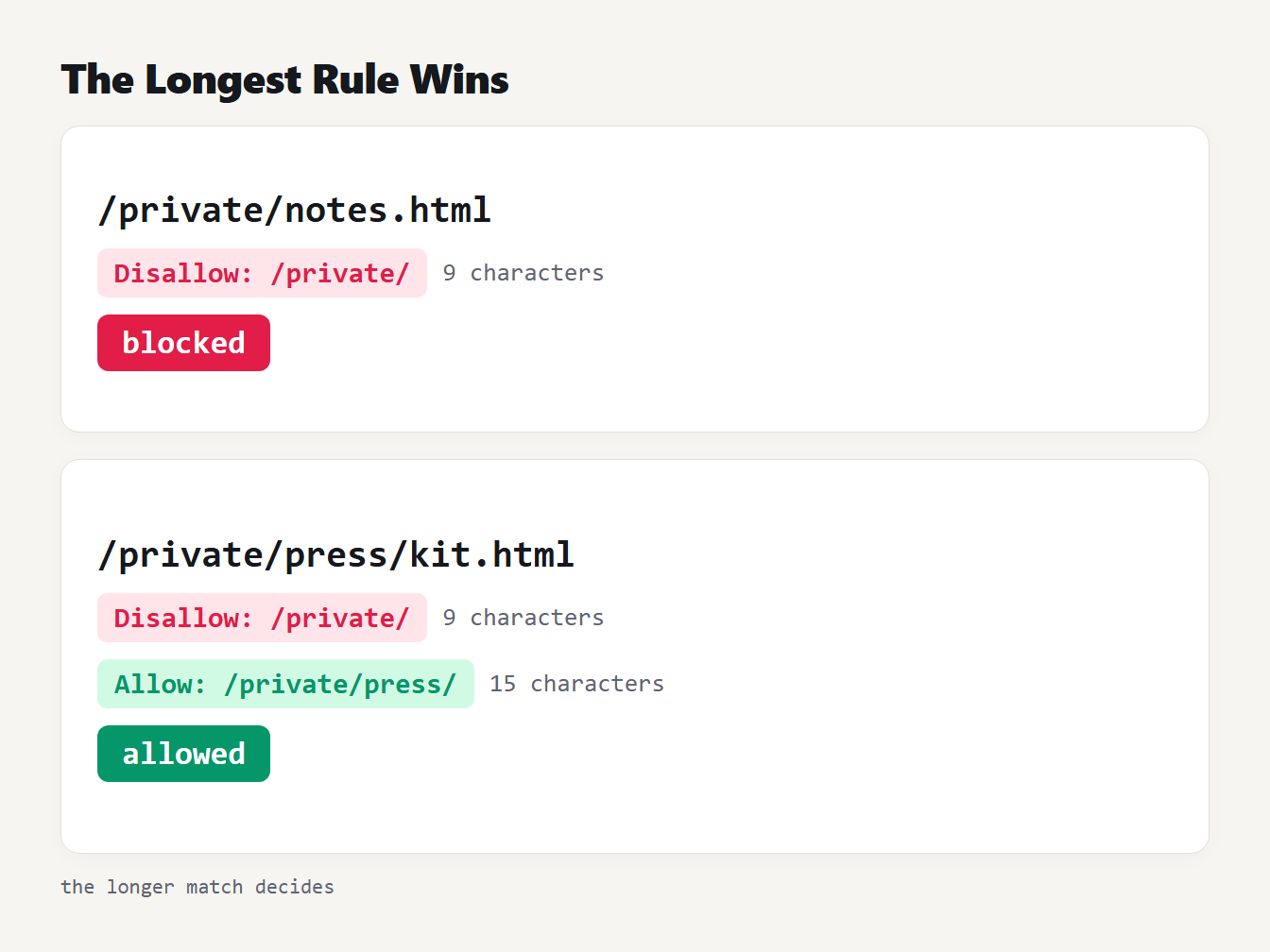
Two rules, Disallow /private/ and Allow /private/press/, tested on two URLs. The notes page is blocked and the press kit page is allowed because its matching rule is longer.
Line order does not matter. Many people expect the first match to win, and it does not.
Robots.txt wildcard examples and the prefix trap
Google supports two wildcards in paths: * matches any run of characters and $ marks the end of the URL. Every rule is also a prefix match, which catches people out:
| Rule | Blocks | Does not block |
|---|---|---|
Disallow: /admin | /admin, /admin/, /admin-guide, /administrator | /Admin/ |
Disallow: /admin/ | /admin/, /admin/users | /admin, /admin-guide |
Disallow: /*.pdf$ | /files/a.pdf | /files/a.pdf?download=1, /files/a.PDF |
Disallow: /*?sessionid= | /shop?sessionid=1 | /shop?id=1&sessionid=1 |
Disallow: /*sessionid= | both of those URLs |
The last two rows show a classic bug. A rule written as /*?sessionid= only matches when the parameter comes first. Drop the question mark and it catches the parameter anywhere. Google's own examples make the same point about $: /*.php$ does not match /filename.php?parameters.
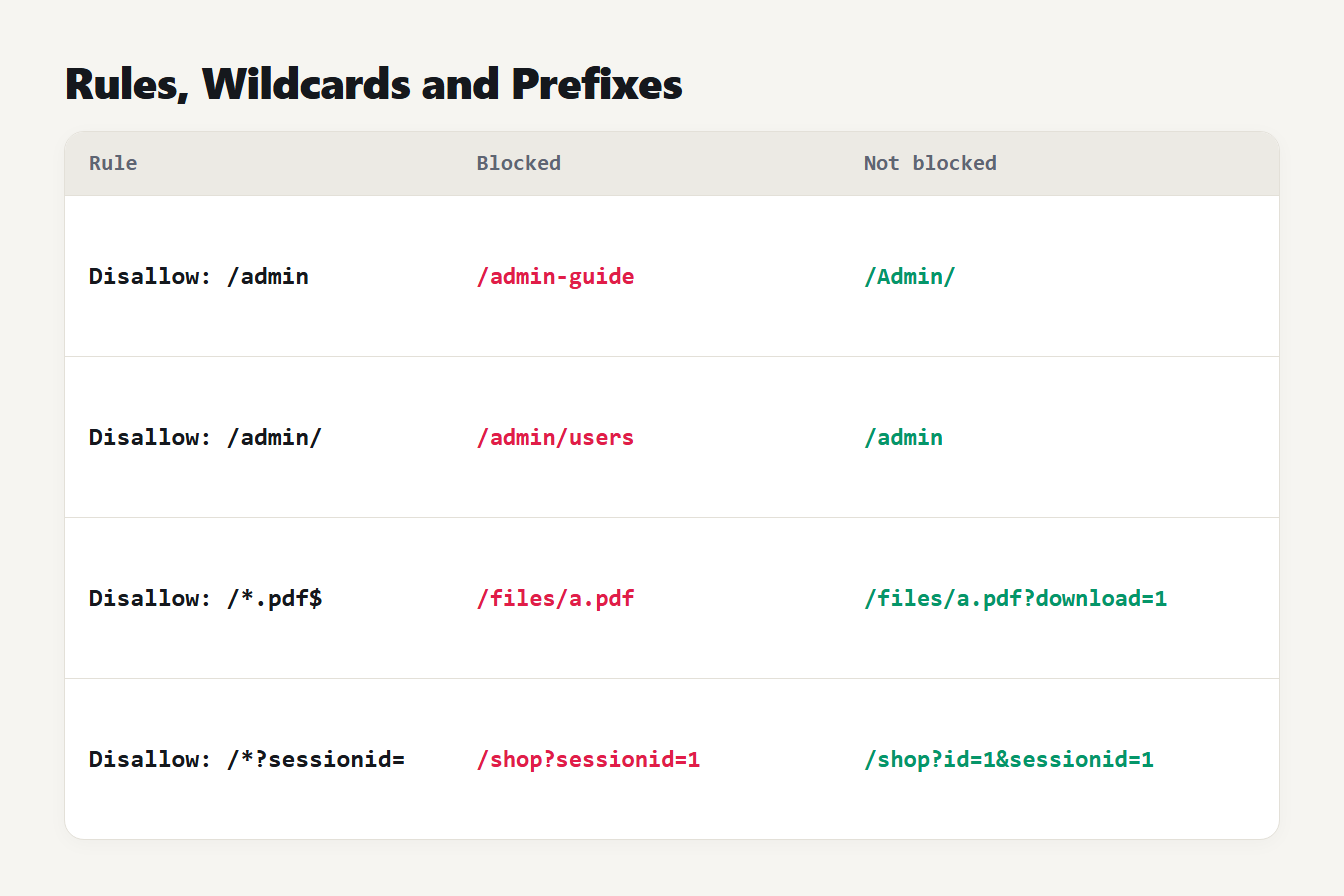
Four rules, Disallow /admin, /admin/, /*.pdf$ and /*?sessionid=, each with an example URL that is blocked and one that is not.
Which robots.txt example fits your situation
| Situation | What to write |
|---|---|
| The site is not launched yet | Disallow: / under User-agent: *, then remove it on launch day |
| Internal search result pages | Disallow: /search, which also matches /searching, so check your URLs |
| Session or tracking parameters | Disallow: /*sessionid= |
| Downloads you do not want crawled | Disallow: /*.pdf$ |
| One crawler needs different rules | A separate group that names that crawler |
| A page must stay out of search results | A noindex tag, not robots.txt |
Robots.txt is not noindex, and not security
This is the most common misunderstanding. Robots.txt controls crawling, not indexing. Google's documentation says it cannot index the content of a disallowed page but may still index the URL and show it without a snippet.
To keep a page out of results, use a noindex tag or an X-Robots-Tag header, and let crawlers reach the page. Google's noindex guide says the page must not be blocked by robots.txt, because a crawler that cannot fetch the page never sees the tag.
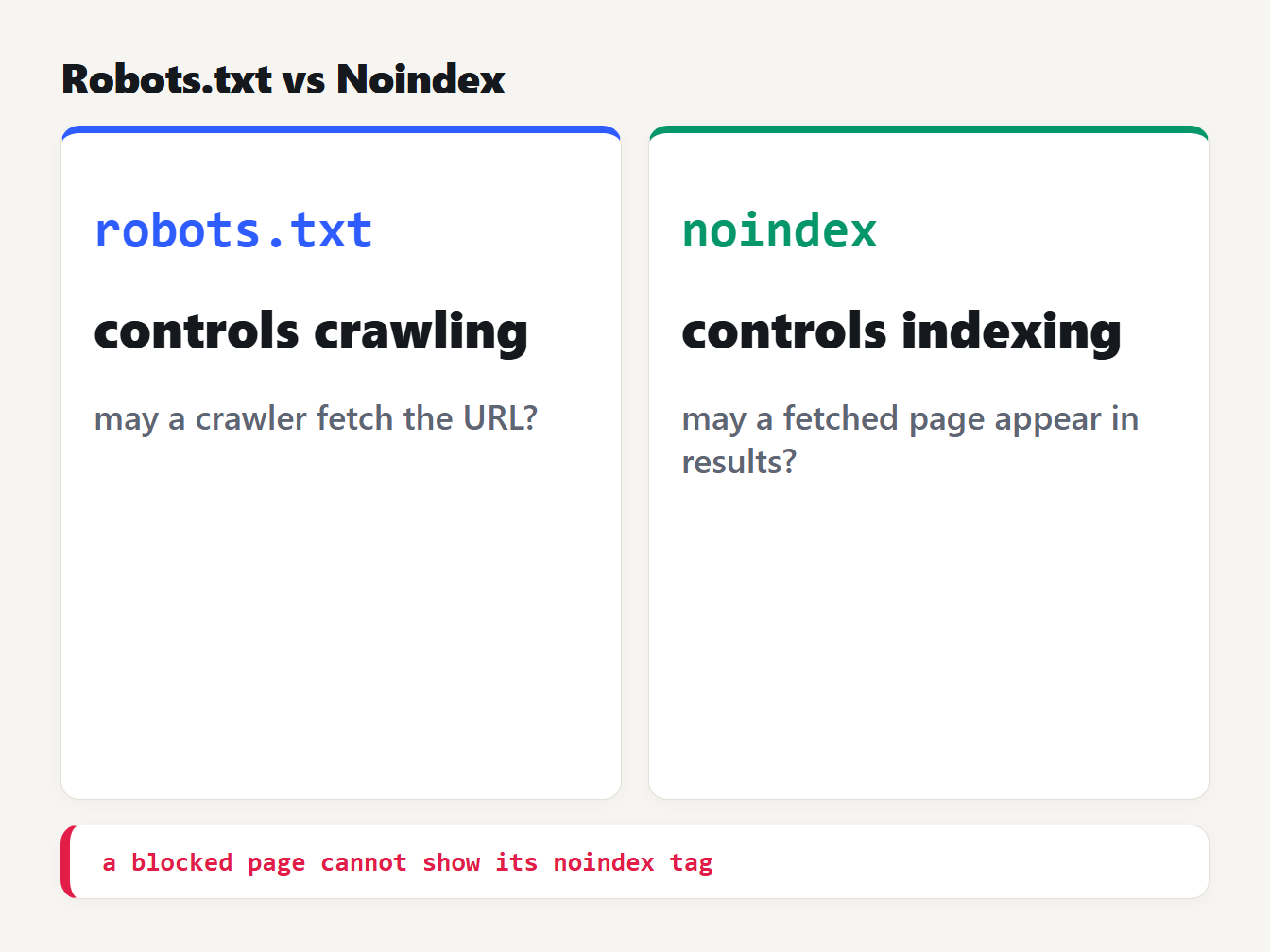
Robots.txt controls whether a crawler may fetch a URL. Noindex controls whether a fetched page appears in search results. A page blocked in robots.txt cannot show its noindex tag.
It is not a lock either. RFC 9309 states that these rules are not a form of access authorization. The file is public, so listing /secret-reports/ in it advertises the folder. Protect private content with a login, not a Disallow.
Robots.txt for AI crawlers
Each AI company publishes its own crawler names, and the purposes differ. OpenAI's documentation lists three: GPTBot, which it says makes its models more useful and safe, OAI-SearchBot, which surfaces sites in ChatGPT search, and ChatGPT-User, which visits pages on a person's request. It notes that changes take about 24 hours to apply and that, because a person starts those visits, robots.txt rules may not apply to ChatGPT-User.
Google's crawler documentation describes Google-Extended as a standalone token that controls whether crawled content is used to train Gemini models. It says Google-Extended does not affect inclusion in Google Search or act as a ranking signal. Blocking it therefore does not hurt your search visibility.
You can block training crawlers and still welcome search ones, because each name gets its own group.
Common robots.txt mistakes
- Leaving
Disallow: /live. A staging rule copied to production blocks the whole site. Check the live file after every launch. - Missing the trailing slash.
/adminand/admin/are different rules, as the table above shows. - Mixing up case.
/Blog/does not protect/blog/. - Blocking a page you want noindexed. The crawler never sees the tag.
- Relying on Crawl-delay for Google. Google ignores the line.
- Using a relative sitemap path. Write the full address.
- Putting several rules on one line. Each directive goes on its own line.
Build and test your robots.txt
Robots.txt examples like the ones above are a starting point, and the Robots.txt Generator writes the file as you type. Its Block All preset outputs Disallow: /, its Allow All preset outputs Allow: /, and its AI preset adds groups for GPTBot, ChatGPT-User, CCBot, ClaudeBot and Google-Extended. It has an optional Crawl-delay field, which Google ignores.
Check the preset against your own URLs. The e-commerce preset blocks /search/ with a trailing slash, so /search?q=shoes is still crawlable. Change it to /search if you want both blocked. Nothing leaves your browser.
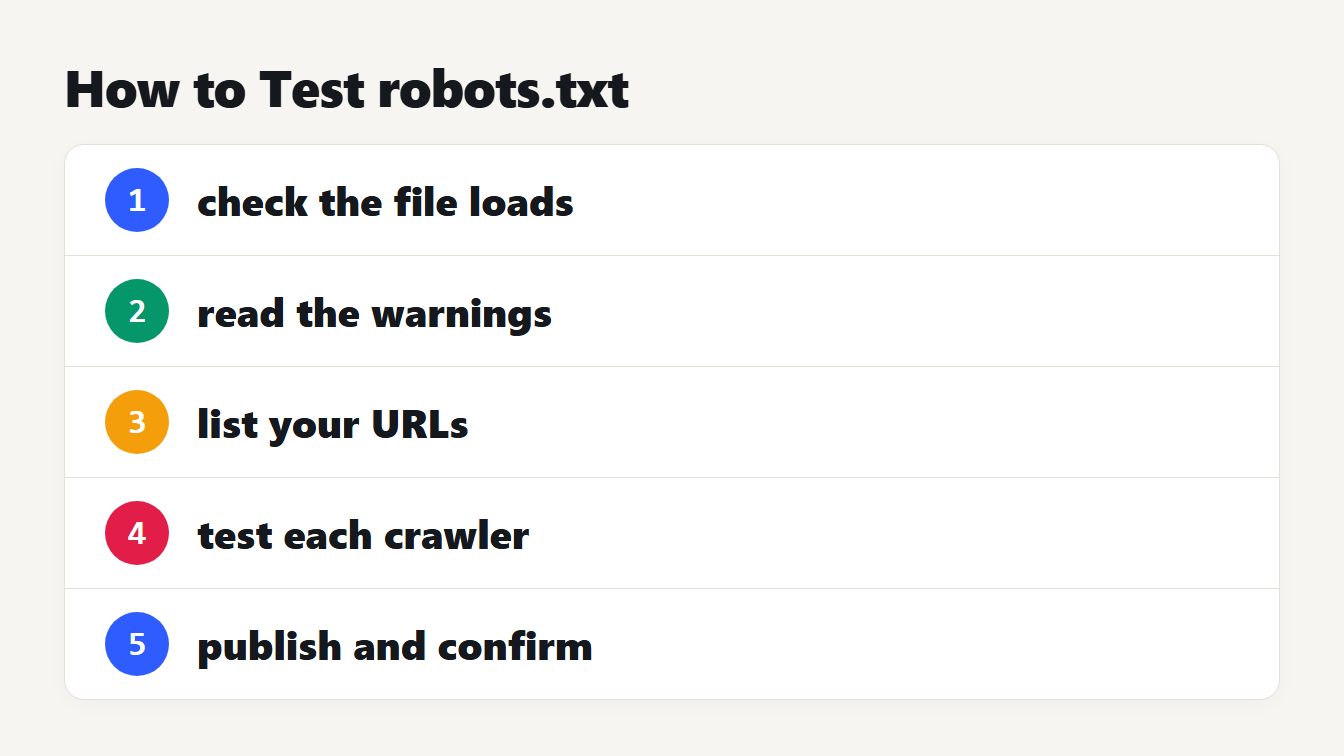
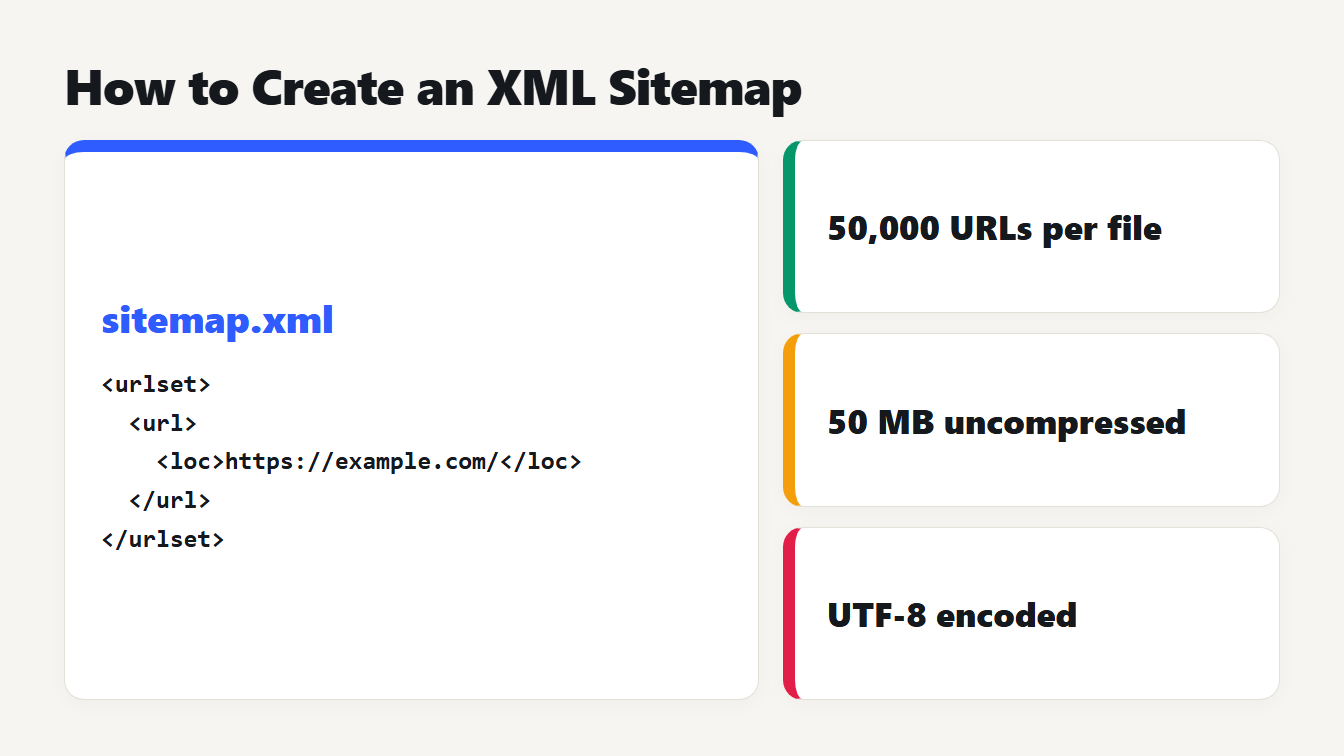
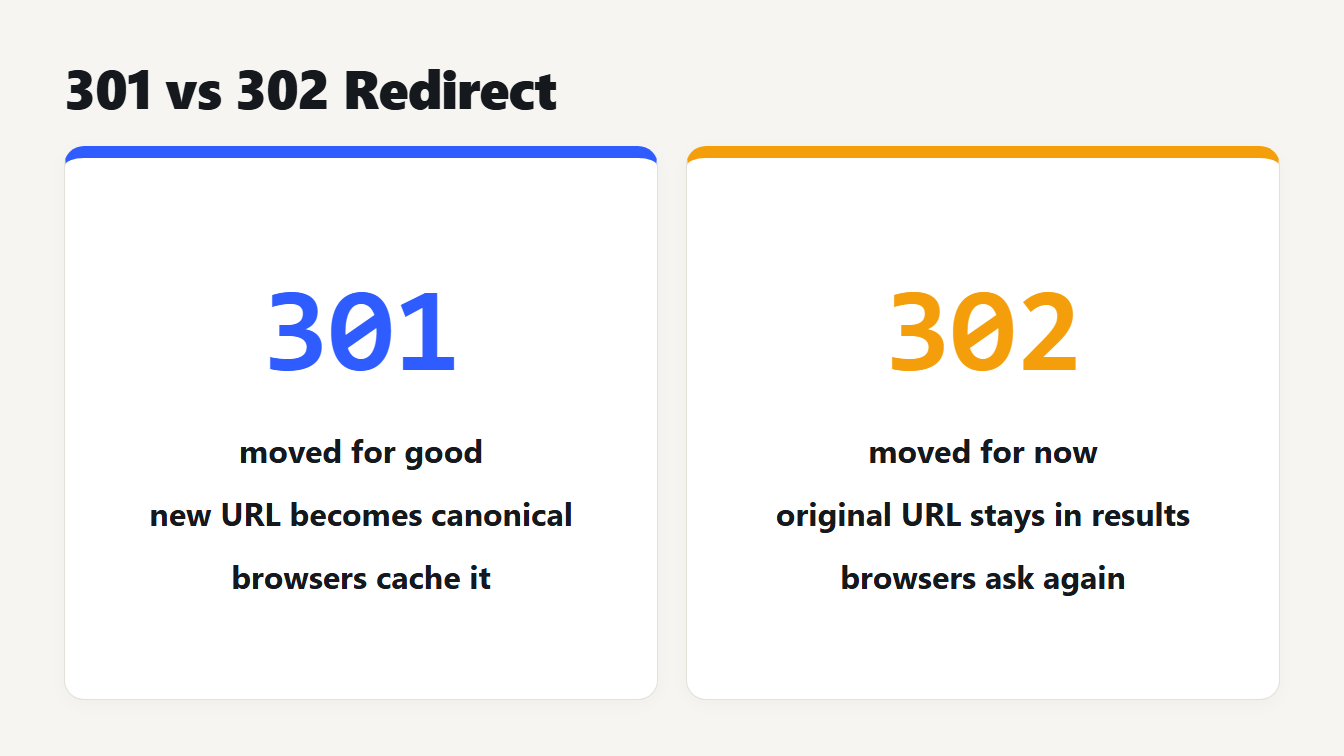
Before you publish, paste the file into the Robots.txt Tester, pick a crawler and check real URLs. It shows which rule decided each one, using the longest-match logic described above. Then upload the file to your site root and open /robots.txt to confirm it loads. Link your sitemap in the file, and build one with the XML Sitemap Generator if you do not have it yet. If you move pages, use a redirect, not a Disallow: the Redirect Rule Generator writes the rules. For search snippets, see our guide to meta description length.
Frequently asked questions
Where does the robots.txt file go?
At the root of the host, as /robots.txt in lowercase, for example https://example.com/robots.txt. Each protocol, host and port needs its own file, so a subdomain does not inherit the rules of the main domain. The file must be UTF-8 plain text.
Does robots.txt remove a page from Google?
No. Google says it cannot index the content of a disallowed page but may still index the URL and show it without a snippet. To keep a page out of results, use noindex, and leave the page crawlable so the tag can be read.
What happens if two robots.txt rules conflict?
The most specific rule wins, meaning the one with the longest matching path. If an Allow and a Disallow match equally, the Allow is used. So Disallow: /private/ with Allow: /private/press/ blocks the folder but keeps the press pages open.
Does Google support Crawl-delay in robots.txt?
No. Google lists only user-agent, allow, disallow and sitemap, and says other fields such as crawl-delay are not supported. Some other crawlers read the line, so it is harmless to include, but Googlebot ignores it.
How do I block AI crawlers like GPTBot?
Add a group for each bot, such as User-agent: GPTBot followed by Disallow: /. OpenAI says robots.txt changes can take about 24 hours to take effect, and that rules may not apply to ChatGPT-User, which acts on a person's request.
Check your live file today
Open your own /robots.txt right now. Look for a stray Disallow: /, a missing Sitemap line and any rule without a trailing slash that blocks more than you meant. Then test a few real URLs against each rule, the way the tables above do, before you ship a change. Good robots.txt examples are short, so if yours has grown past a screen or two, look for rules that no longer match anything on your site.