JSON Parse Error: Common Causes and How to Fix Each One
Fix a JSON parse error: 15 causes with the real error messages from Node 24 and Python 3.14, plus what valid JSON can still get wrong.
By TheTextKit TeamPublished
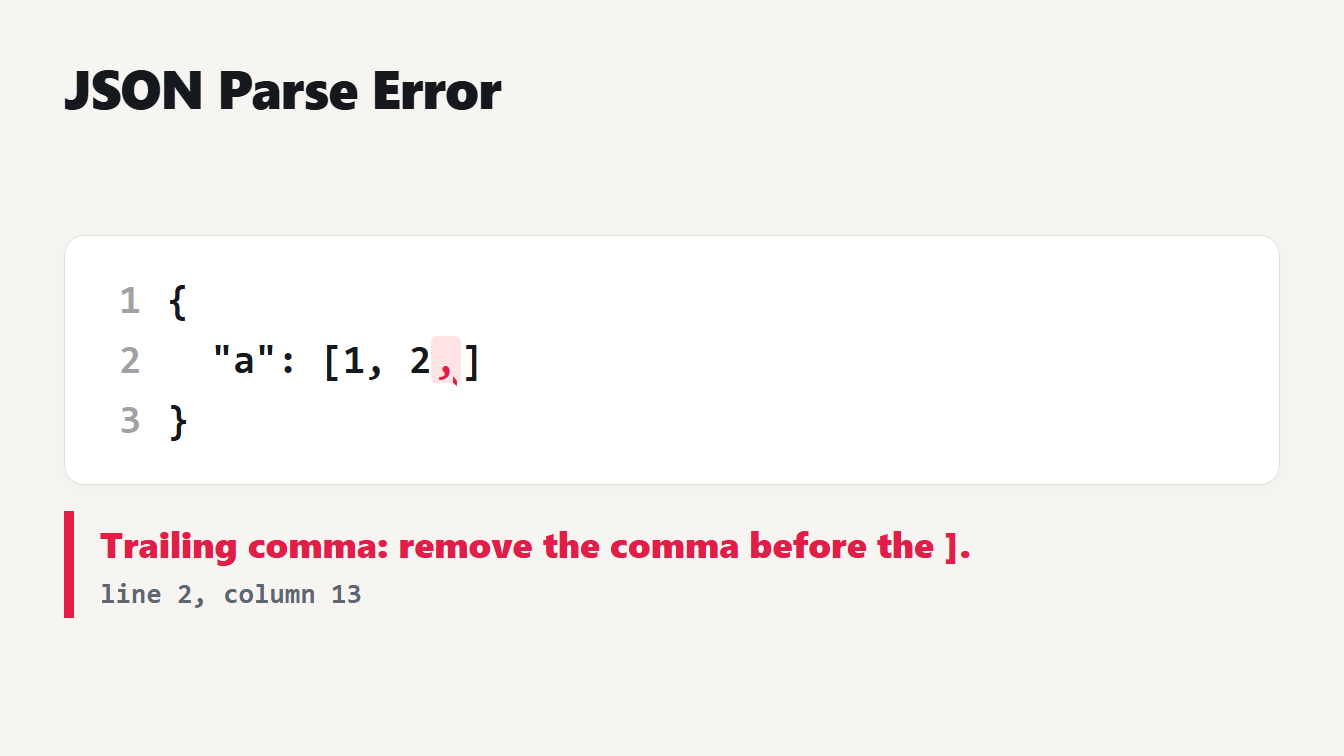
A card shows three lines of JSON in which the array one, two has a comma after the two. The comma is underlined in red. Below it a message reads Trailing comma: remove the comma before the closing bracket, line 2, column 13.
A JSON parse error, such as "Unexpected token" or "invalid JSON", means the text broke one of the format's strict rules, and the parser stopped at the first place it noticed. The messages are not always helpful: the same mistake reads differently in every language. We fed a set of broken documents to Node 24 and Python 3.14, wrote down what each said, and checked our own validator against JSON.parse on 40,000 damaged documents. This guide lists the causes in the order you are most likely to meet them, with the fix for each.
The most common causes of a JSON parse error
The first column shows a small example, the second the exact message from Node 24, and the third the fix. MDN's page on the JSON.parse bad parse error lists the same top causes: trailing commas, single quotes or unquoted property names, and numbers with leading zeros or a bare decimal point.
| Cause and example | Node 24 message | Fix |
|---|---|---|
Trailing comma: {"a":1,} | Expected double-quoted property name in JSON at position 7 (line 1 column 8) | Delete the last comma |
Trailing comma in a list: [1,2,] | Unexpected token ']', "[1,2,]" is not valid JSON | Delete the last comma |
Single quotes: {'a':1} | Expected property name or '}' in JSON at position 1 (line 1 column 2) | Use double quotes |
Unquoted key: {a:1} | Expected property name or '}' in JSON at position 1 (line 1 column 2) | Put the key in double quotes |
Missing comma: {"a":1 "b":2} | Expected ',' or '}' after property value in JSON at position 7 (line 1 column 8) | Add a comma |
Comment: {"a":1 // note and a line break and } | Expected ',' or '}' after property value in JSON at position 7 (line 1 column 8) | Remove the comment |
NaN: {"a":NaN} | Unexpected token 'N', "{"a":NaN}" is not valid JSON | Use null or a string |
undefined: {"a":undefined} | Unexpected token 'u', "{"a":undefined}" is not valid JSON | Use null or leave the key out |
Leading zero: {"a":01} | Unexpected number in JSON at position 6 (line 1 column 7) | Write 1, or "01" as a string |
Plus sign: {"a":+1} | Unexpected token '+', "{"a":+1}" is not valid JSON | Write 1 |
Line break in a string: {"a":"x and a line break and y"} | Bad control character in string literal in JSON at position 10 (line 1 column 11) | Write the break as \n |
Bad escape: {"a":"\x41"} | Bad escaped character in JSON at position 7 (line 1 column 8) | Use A |
Missing closing brace: {"a":1 | Expected ',' or '}' after property value in JSON at position 6 (line 1 column 7) | Add the } |
Extra closing brace: {"a":1}} | Unexpected non-whitespace character after JSON at position 7 (line 1 column 8) | Delete the extra } |
| Empty text | Unexpected end of JSON input | Check that the response has a body |
The first five rows account for most real errors. Trailing commas appear when you delete the last item of a list that was written by hand. Single quotes and unquoted keys come from copying a JavaScript object into a JSON file. Comments come from configuration files that look like JSON but are not, such as tsconfig.json, which allows comments.
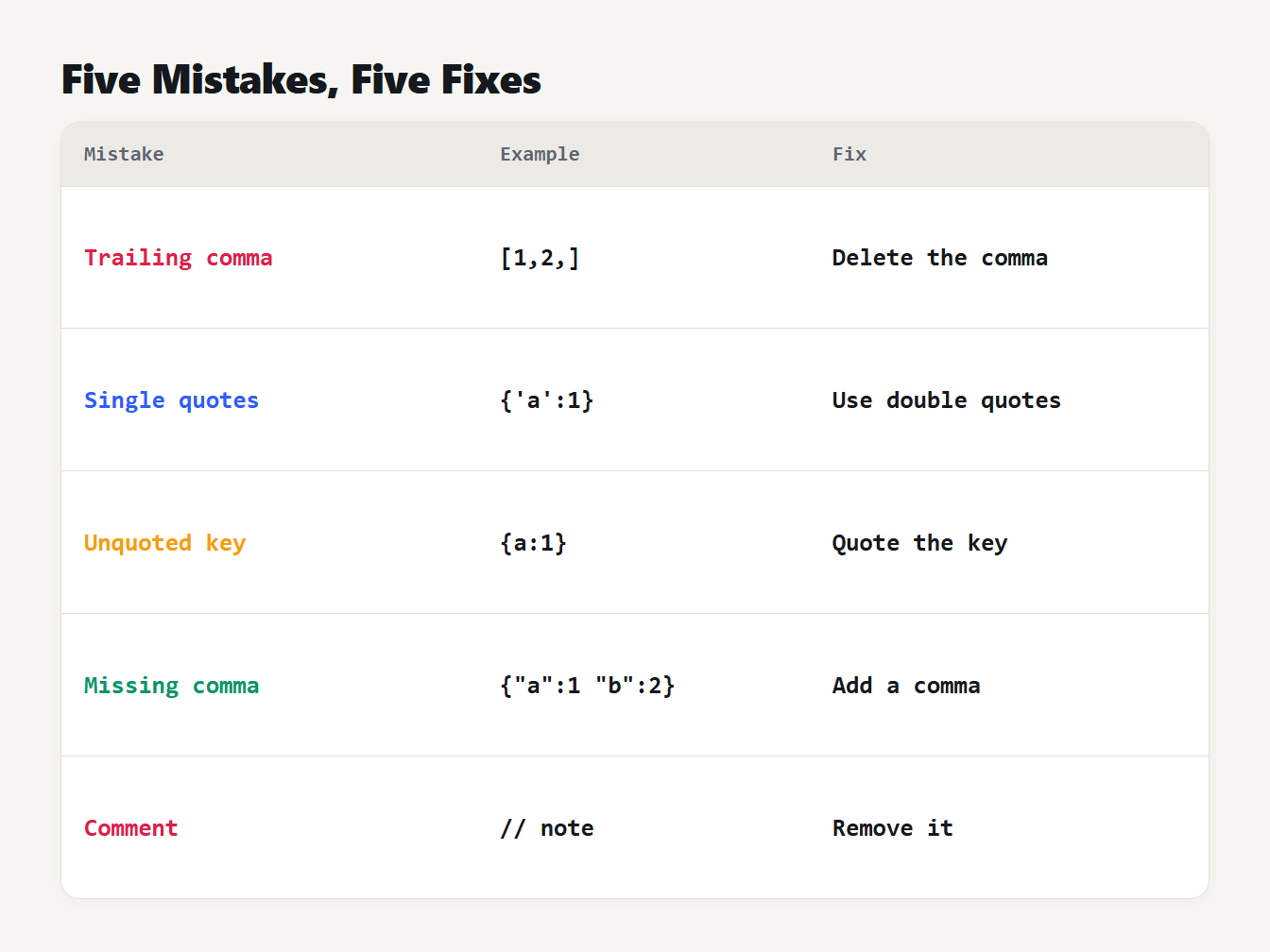
A table of the five most common JSON mistakes and the fix for each. A trailing comma is deleted. Single quotes become double quotes. An unquoted key gets double quotes. A missing comma is added. A comment is removed.
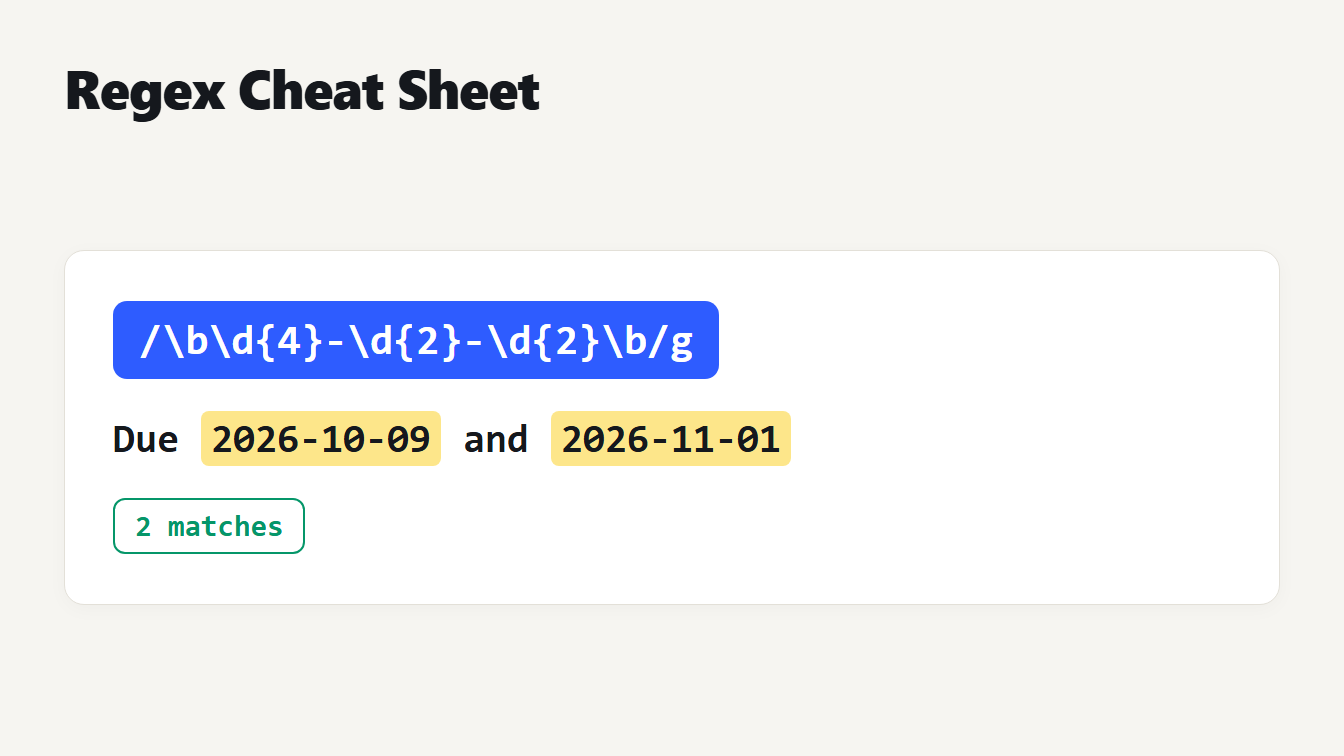
To fix the same mistake in many places, the Find and Replace tool can help. In regex mode, replacing ,(\s*[}\]]) with $1 removes a comma before every closing bracket or brace, and the result parsed in our test. It also changes any string that contains a comma followed by a bracket, so we checked it on a sample before trusting it: the text "keep, }" lost its comma. Our regex cheat sheet explains the syntax, and the Regex Tester lets you see the matches before you replace anything.
Why the same error reads differently
The messages above come from V8, the engine in Node and Chrome. Other engines and other languages describe the same text in other words. For {"a":1,} we got these results:
| Tool | Message |
|---|---|
| Node 24 | Expected double-quoted property name in JSON at position 7 (line 1 column 8) |
| Python 3.14 | Illegal trailing comma before end of object: line 1 column 7 (char 6) |
| JSON Formatter | Trailing comma: remove the comma before the }. (line 1, column 7) |
Node points at column 8, the closing brace, because that is where it realized something was wrong. Python and our validator point at column 7, the comma itself. When you read a position, check whether it counts from 0 or 1 and whether it names the mistake or the place where the parser gave up. Node does not always give a position either: for a trailing comma in a list it printed only the unexpected token and the text.
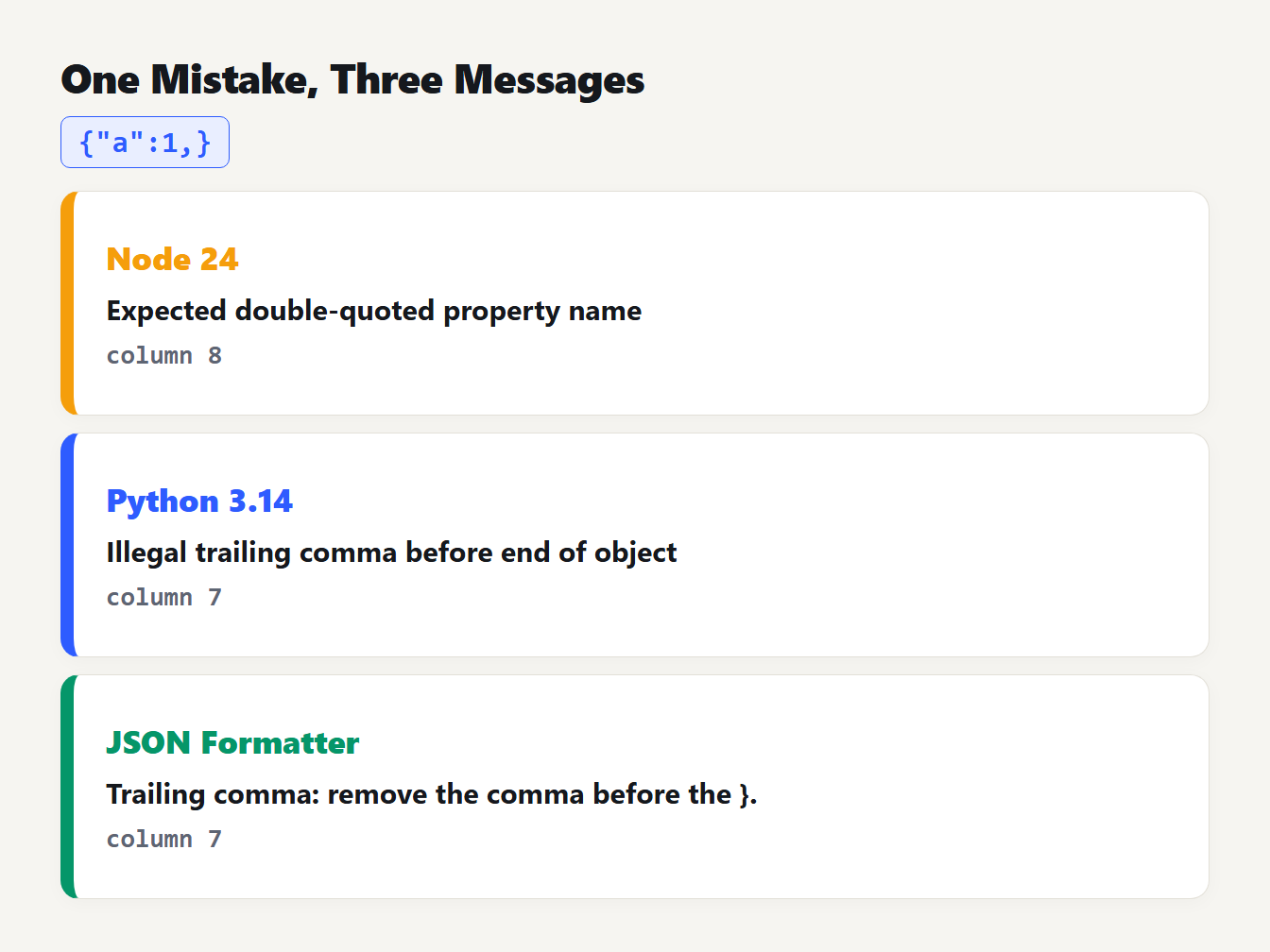
Three cards show how three tools describe the JSON with a trailing comma. Node 24 says expected double-quoted property name, at column 8. Python 3.14 and the JSON Formatter both name the trailing comma, at column 7.
Valid JSON that Python reads and Node rejects
Python's json module accepts text that the standard forbids. In our tests {"a":NaN} and {"a":Infinity} loaded without an error in Python 3.14 and became nan and inf. Node 24 rejected both. RFC 8259 says in section 6 that numeric values that cannot be represented, such as Infinity and NaN, are not permitted. If a Python program writes NaN and a JavaScript program reads it, you will get an error that has nothing to do with typing.
Python also did not accept the capitalized {"a":True}, which many people write from habit. It gave "Expecting value: line 1 column 6" for that text, as JSON needs lowercase true.
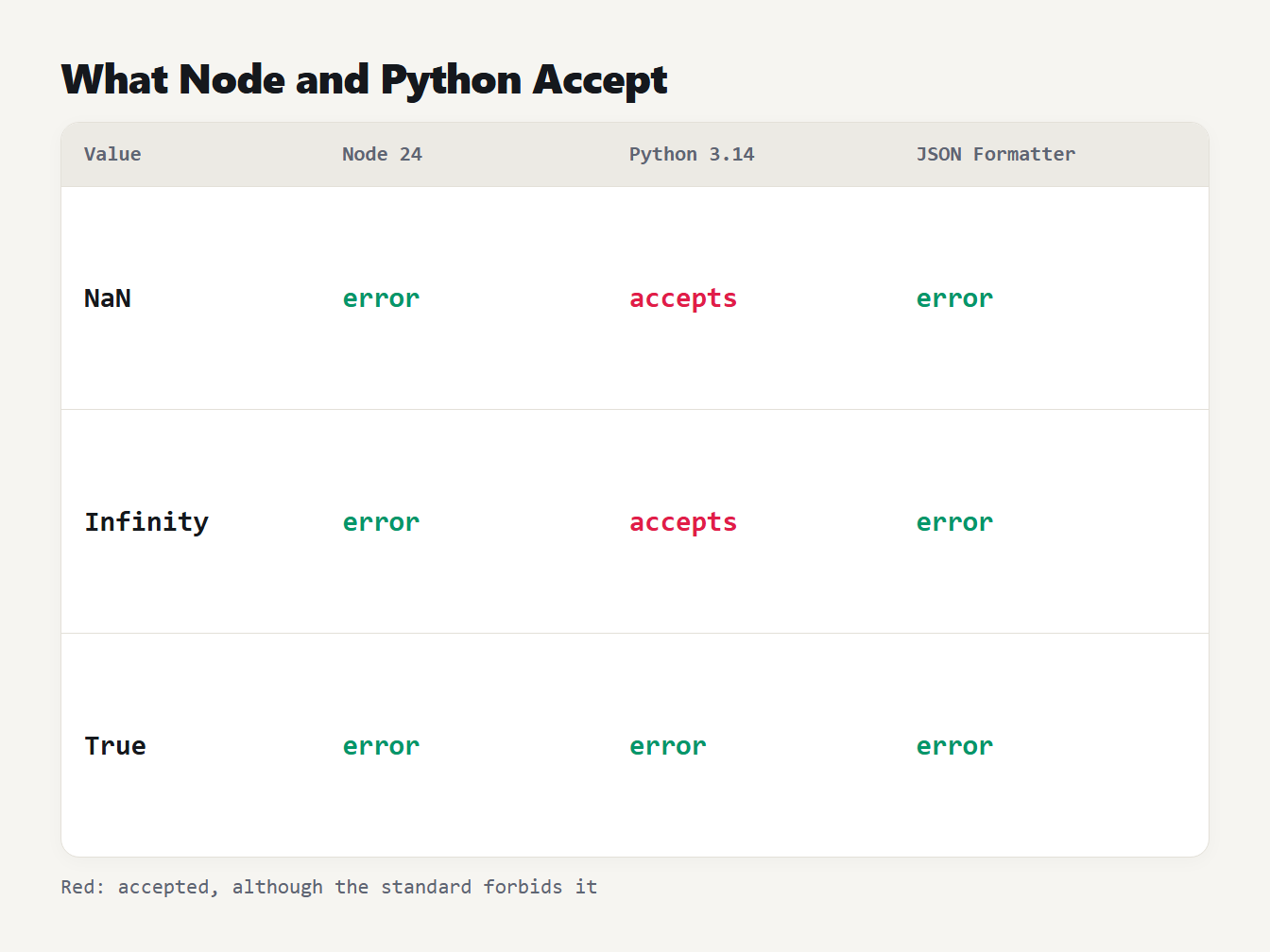
A table of three values. NaN gives an error in Node 24, is accepted by Python 3.14 and is rejected by the JSON Formatter. Infinity gives the same three results. True with a capital T gives an error in all three.
A byte order mark and other invisible errors
Some errors are invisible. A file saved with a byte order mark starts with the character U+FEFF, and a parser sees it before the first brace. Node 24 said "Unexpected token" followed by a character that looks like nothing. Python said "Unexpected UTF-8 BOM (decode using utf-8-sig)", which names the cause. RFC 8259 section 8.1 says that programs that write JSON must not add a byte order mark and that programs that read it may ignore one, so some parsers accept it and others do not.
Another invisible cause is a response that is not JSON. If an API returns an HTML error page, the first character is an angle bracket and Node 24 reports an unexpected token < and Python reports an error at line 1 column 1. Check the status code and the first few characters of the response before you look for a missing comma.
When valid JSON is still wrong
Not every problem is an error. Reading JSON and writing it back can change the data without any message. We took one document with a long number, a trailing zero, an exponent, keys in a particular order and a repeated key:
| In the text | After JSON.parse and JSON.stringify | After Python json.loads and json.dumps | JSON Formatter |
|---|---|---|---|
12345678901234567890 | 12345678901234567000 | 12345678901234567890 | 12345678901234567890 |
1.50 | 1.5 | 1.5 | 1.50 |
1E+2 | 100 | 100.0 | 1E+2 |
Keys "b", "2", "a", "1" | "1", "2", "b", "a" | Kept in order | Kept in order |
"dup":1,"dup":2 | Only "dup":2 | Only "dup":2 | Both kept, with a warning |
JavaScript numbers are 64-bit floating point values, so a 20-digit identifier loses its last digits. JavaScript also moves keys that look like integers to the front of an object. Both are legal, but they change what you send on. RFC 8259 section 4 says the names in an object SHOULD be unique and that the behavior of software that receives repeated names is unpredictable. That is why our formatter keeps both copies and warns you, instead of silently dropping one.
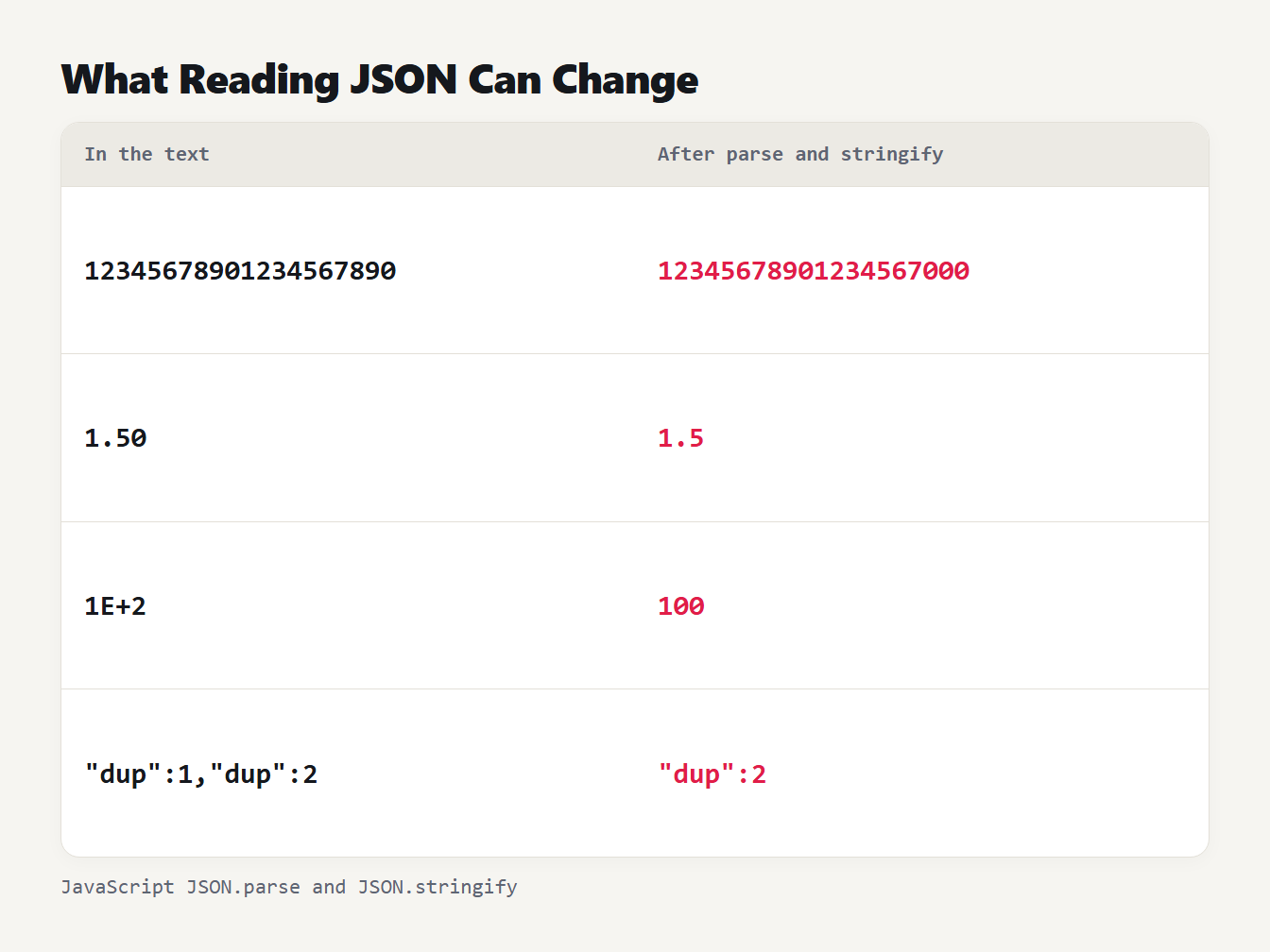
A table of four values before and after JSON.parse and JSON.stringify. The number 12345678901234567890 becomes 12345678901234567000. 1.50 becomes 1.5. 1E+2 becomes 100. A repeated dup key keeps only the last value.
How to find and fix a JSON parse error quickly
- Look at the line and column. Treat the position as a hint and check the characters just before it too.
- Check the end of each line. A comma is missing or extra more often than anything else.
- Format the JSON. Paste it into the JSON Formatter. It names the first problem, gives the line and column, and shows nothing until the text is valid.
- Compare with a working version. If the JSON used to work, a diff of the two versions shows the one character that changed.
- Fix one error at a time. A parser stops at the first problem, so the next one appears only after you fix it.
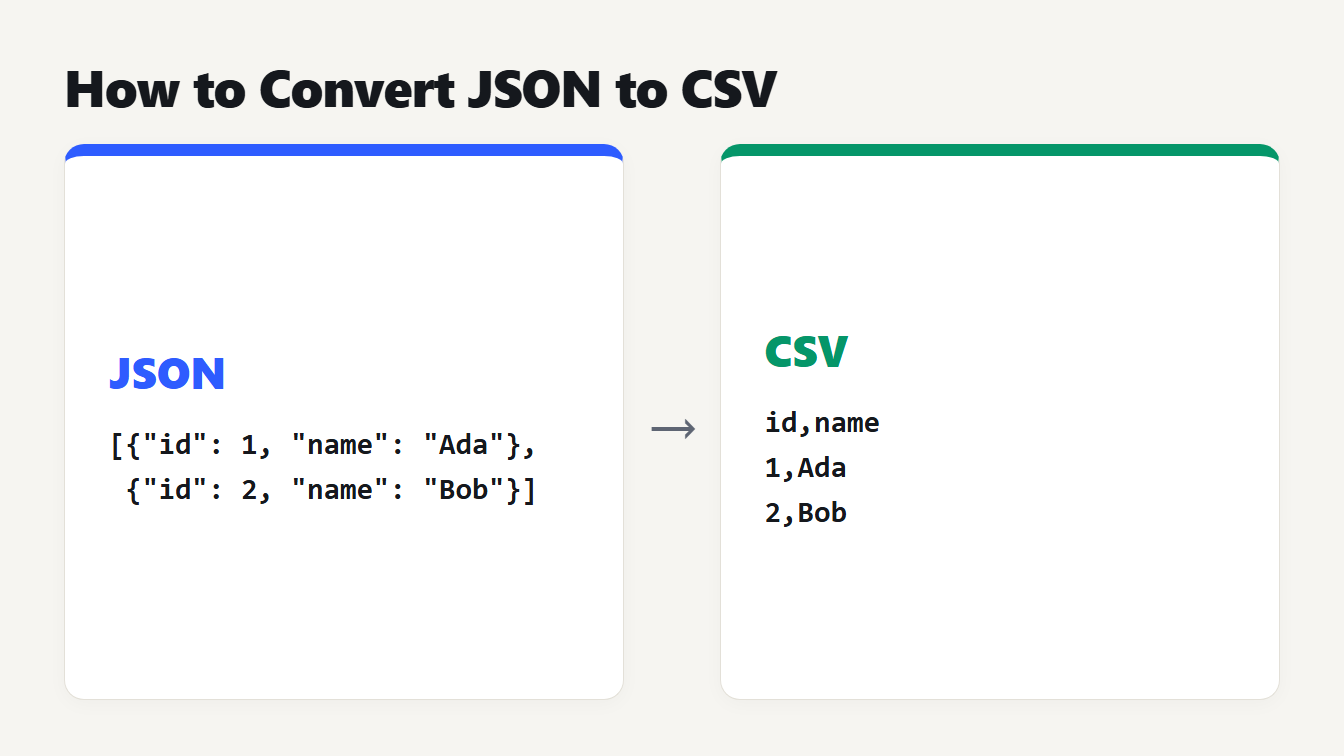
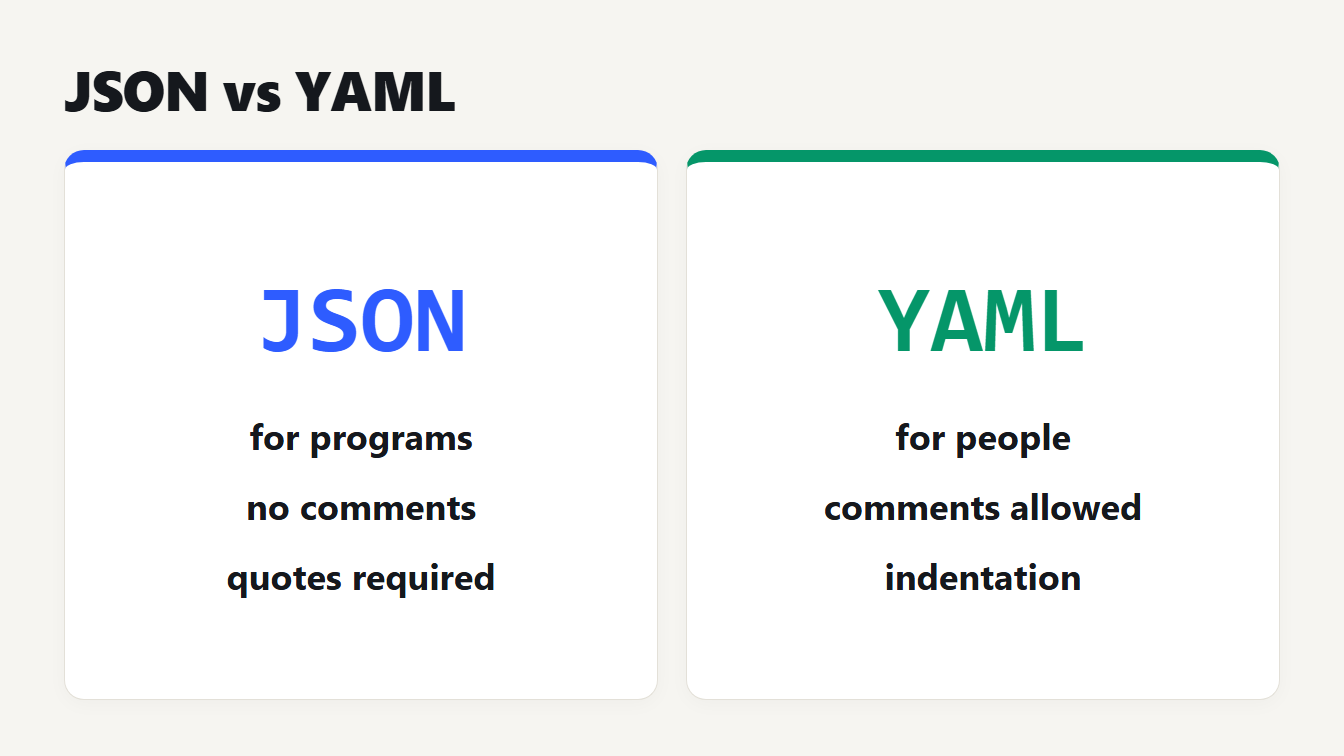
If the same error keeps coming back, stop building JSON by hand. Create it with JSON.stringify in JavaScript or json.dumps in Python, which always write valid text. To turn JSON into a table, see our guide to converting JSON to CSV, and for the difference between JSON and a friendlier format, JSON vs YAML.
Frequently asked questions
What does Unexpected token in JSON mean?
The parser found a character that JSON does not allow at that point. The usual causes are a trailing comma, a single-quoted string, a comment, or text that is not JSON at all, such as an HTML error page that starts with an angle bracket.
Why is my JSON invalid when it looks correct?
Check for a trailing comma, single quotes, an unquoted key, a comment, or an invisible character such as a byte order mark at the start. A line break inside a string and a leading zero in a number are also easy to miss.
Can JSON have trailing commas or comments?
Not in standard JSON. RFC 8259 does not mention either, and both Node 24 and Python 3.14 rejected them in our tests. Formats such as JSONC and JSON5 allow them, but a plain JSON parser will not.
Does Python accept NaN in JSON?
Yes, by default. Python 3.14 read NaN and Infinity without an error, while Node 24 rejected both. The JSON standard does not allow them, so another program may refuse JSON that Python wrote.
How do I find the line of a JSON error?
Read the line and column in the error message, or paste the JSON into a validator that reports them. Remember that parsers differ: Node counts a position from 0 and may point at the character after the real mistake.
Check your JSON now
Paste your text into the JSON Formatter. If it is valid, you get it back indented or minified with every number and key untouched. If you have a JSON parse error, you get the first problem, its line and column, and a way to fix it.